

Note:Multi-factor authentication must be enabled for administrators and cardholders. The card must be set to Active. Administrators and cardholders must also have the following permissions in order to view card numbers.Admin
- Funding of Cards permission
- View Cards Usage permission
- Card Details Viewing: Allow (admins can change this setting on the dashboard under Card Details)
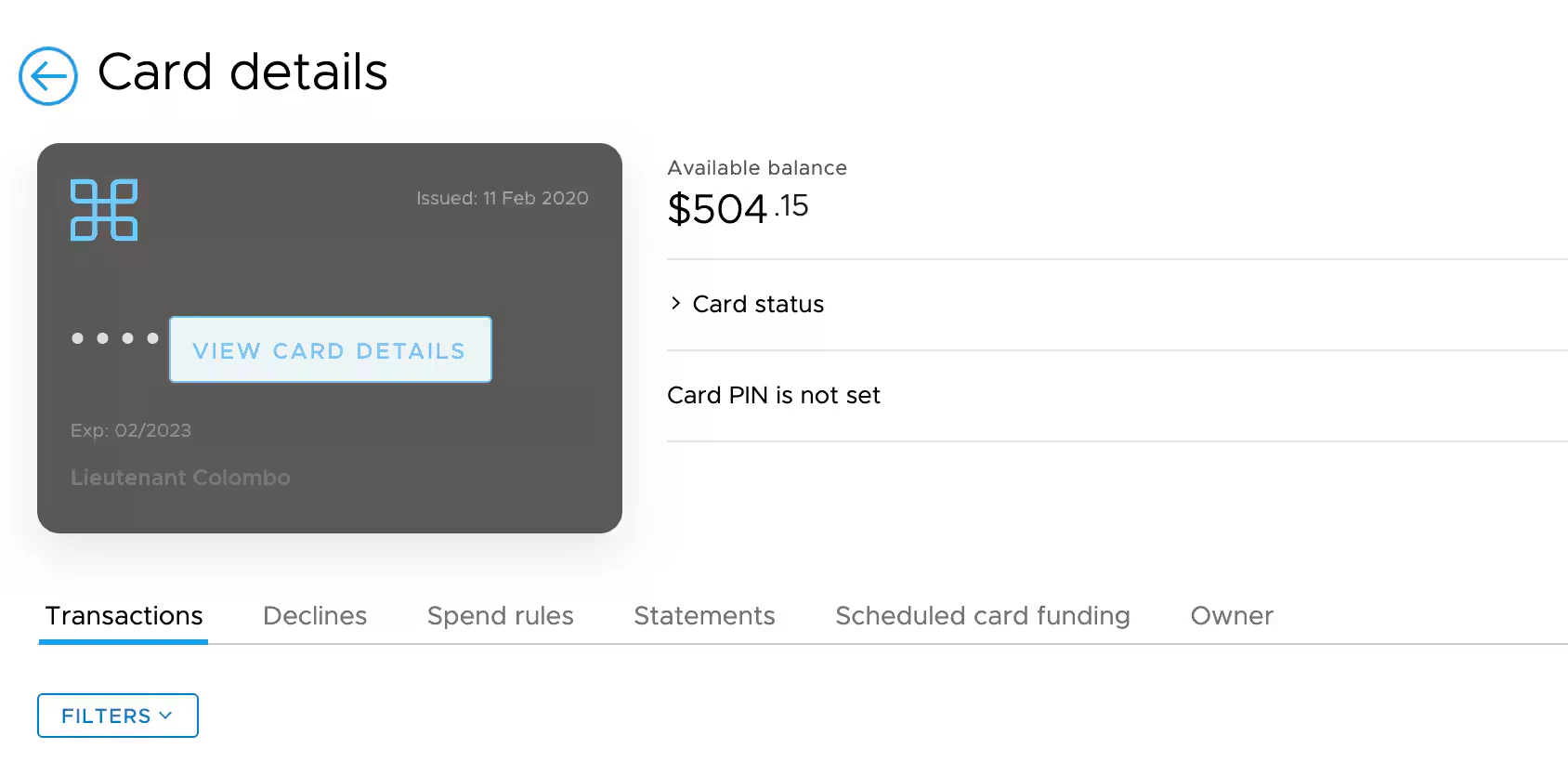
Viewing a card number
For security reasons, all views of card numbers are logged and an email notification will be sent to all other administrators on the account.Note:These email notifications are mandatory and cannot be disabled.
Find the card you are interested in viewing.
Note:The card status must be “Active”. You cannot view card details for “Inactive”, “Blocked” or “Closed” cards.
A confirmation modal will appear. Viewing a card number will send a notification to all administrators on the account.