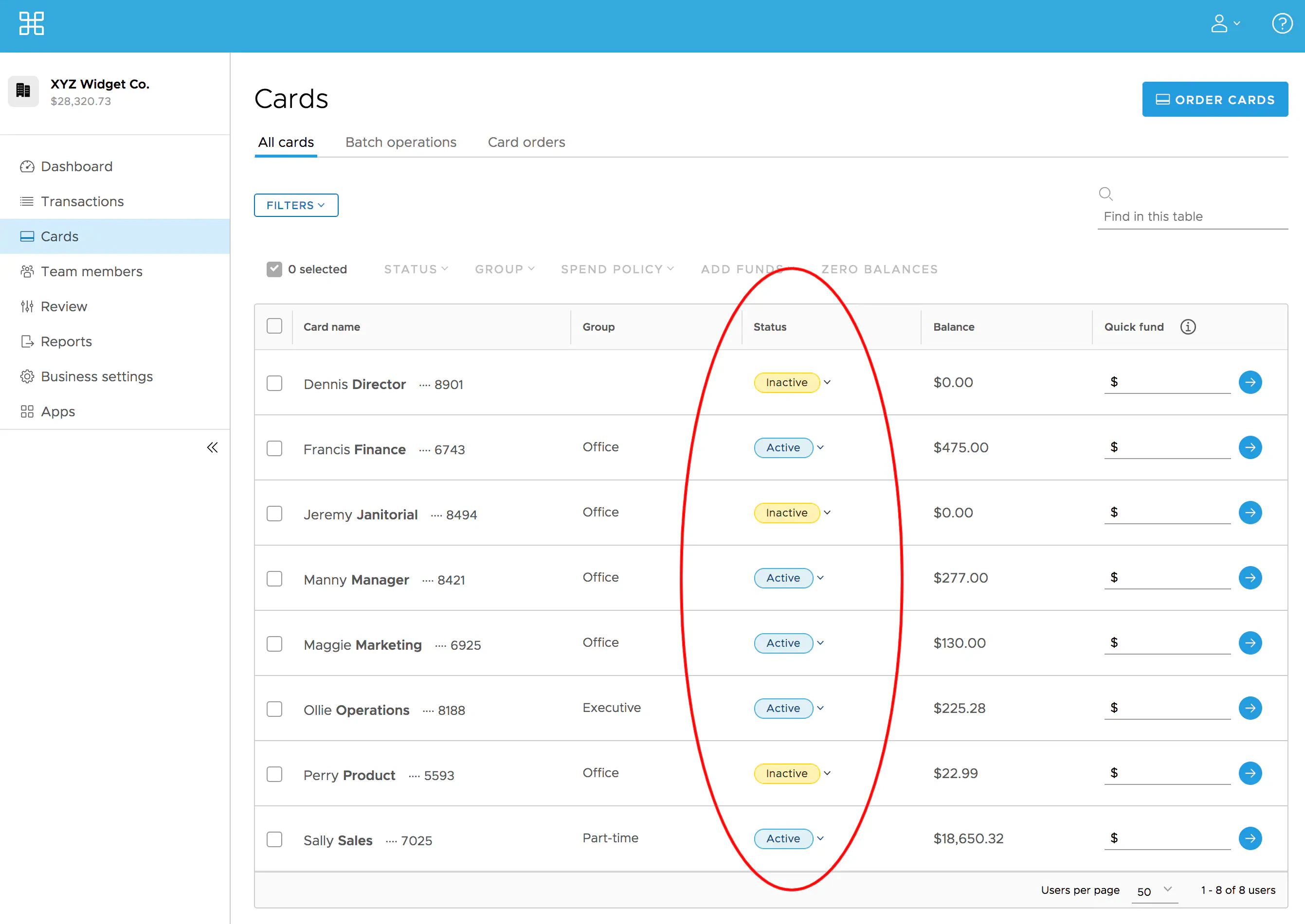
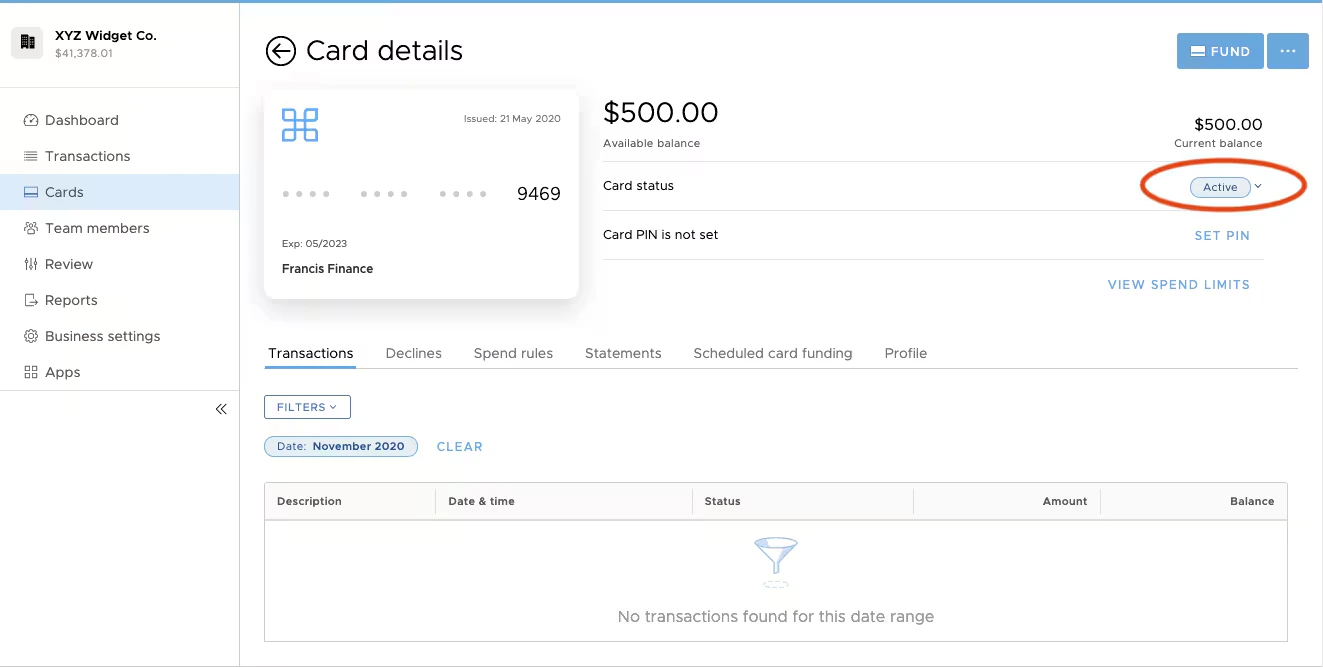
Overview of card statuses
”Open” cards
“Open” cards have three statuses:- Inactive — All new PEX Cards are “Inactive”, which means that they cannot be used
- New cardholders are instructed to call their business administrator to activate the card
- For more information on card activation, refer to How to Activate a New PEX Card
- Active — “Active” cards can be used to make purchases if they have a fund balance above $0
- Cardholders cannot spend without funds on the card
- Blocked — You may want to temporarily disable a card when a cardholder is on vacation or taking a leave of absence
- “Blocked” cards cannot be used for purchases
- The card balance and card settings will be preserved
- When the cardholder returns, an administrator can change the card status back to Active
- For more information on blocking cards, refer to How to Block a Card
”Closed” cards
After a Card account is closed, it cannot be reactivated.- For more information, refer to How to Close (Terminate) a Card
How to see a card’s status
For card status Multiple: A card replacement has been processed for the current card; refer to How to Activate a Replacement Card.