

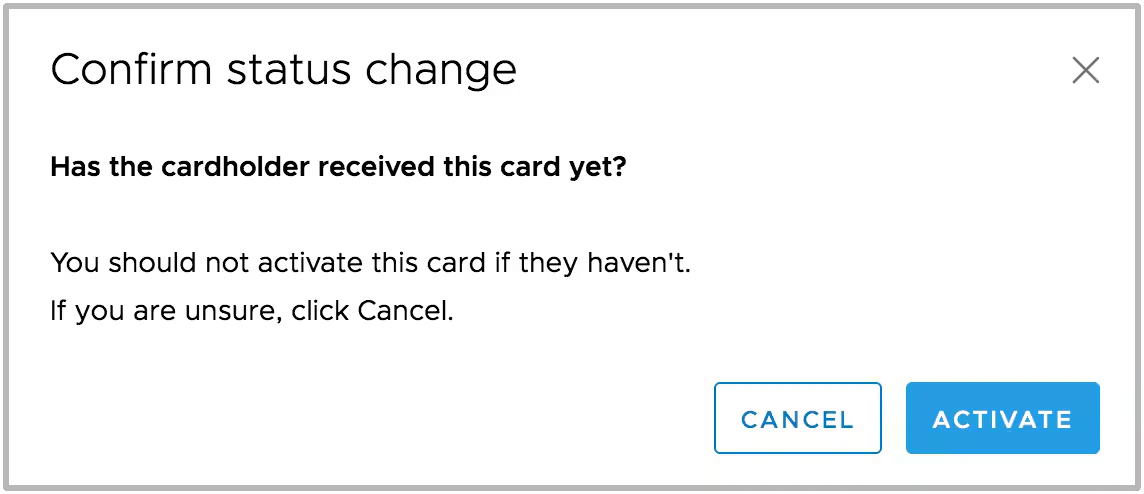
- As soon as you activate the new card, the old card is instantly and irreversibly deactivated
- For this reason, PEX recommends that you only activate the new card after the new card has been delivered and is ready to use
How to activate a replacement card
On the card details page, click the arrow next to “Card Status” to reveal the Active and Inactive cards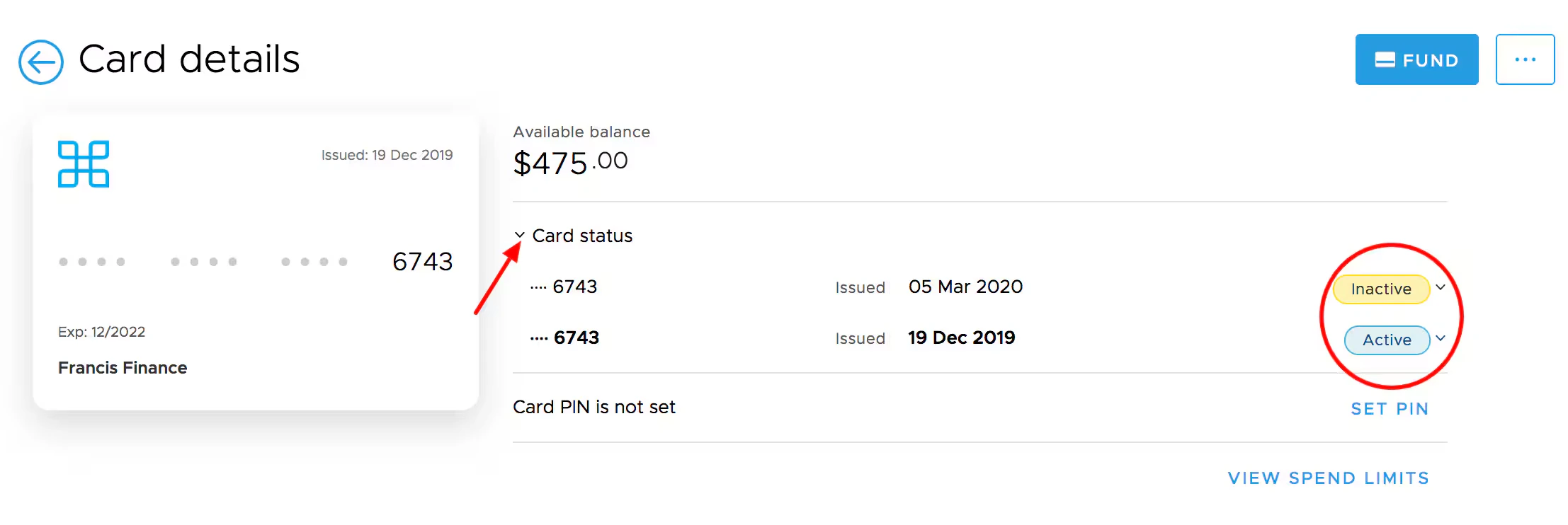
Note:
- When the Replacement Card (“Inactive”) is changed to “Active” status, the old card is instantly and irreversibly closed.
- This type of card activation can only be done from the Web App. It cannot be completed from the Mobile App.