

How to create a bulk card order
Log in to dashboard.pexcard.com
Check to see how many new cards are available to you under the terms of your current Plan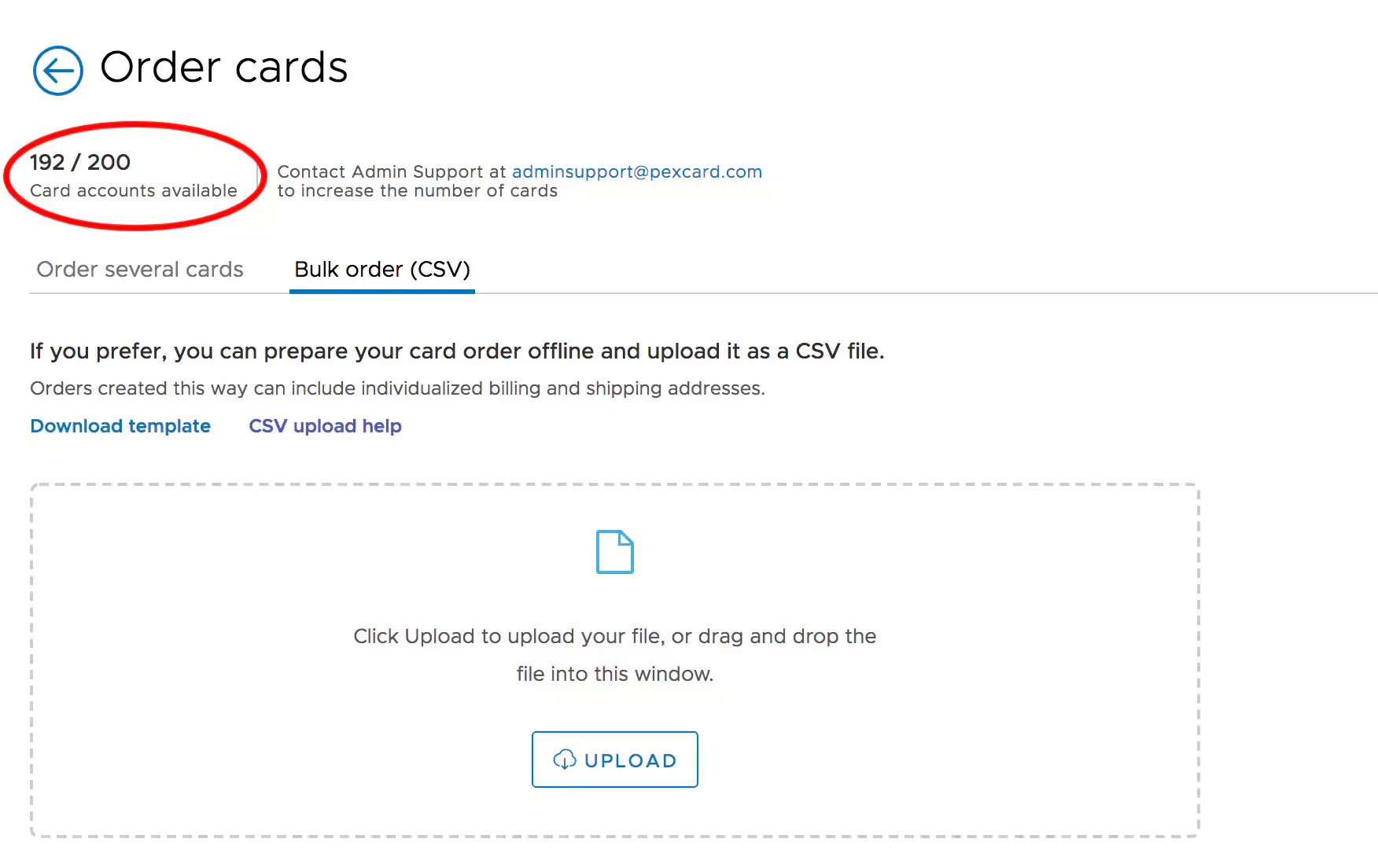
- You will see the number of new cards available to your organization at the top of the page
- To request an increase in the number of cards, contact Admin Support at adminsupport@pexcard.com
Click the tab for “Bulk Order (CSV)”. Click on “Download Order Template” in CSV. Find the downloaded CSV file in your Downloads, and proceed to Completing the Team Member card order request form in CSV below to prepare your CSV file.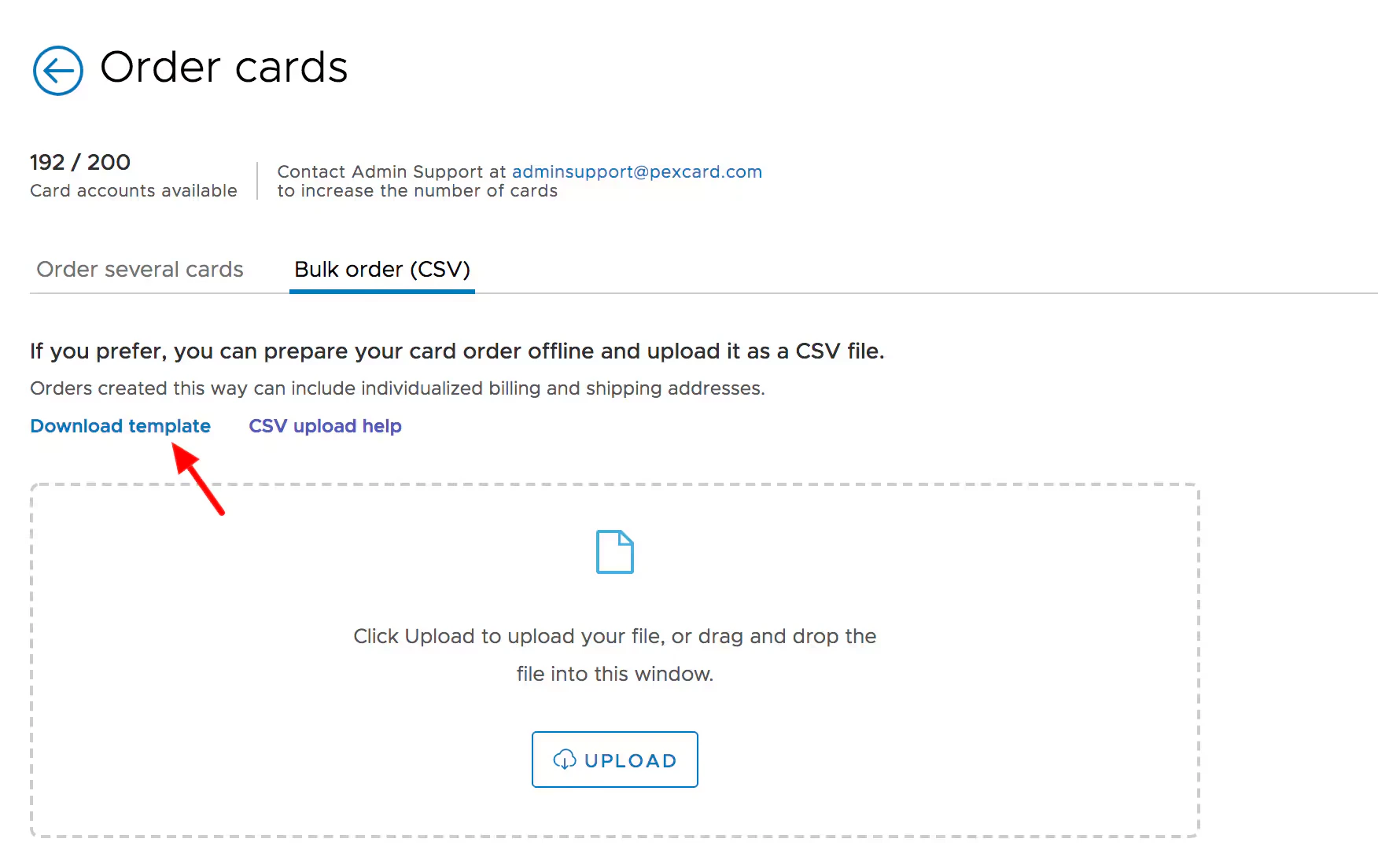
Note:Changes to the format of the form will cause the file to be rejected when attempting to upload.
Completing the Team Member card order request form in CSV
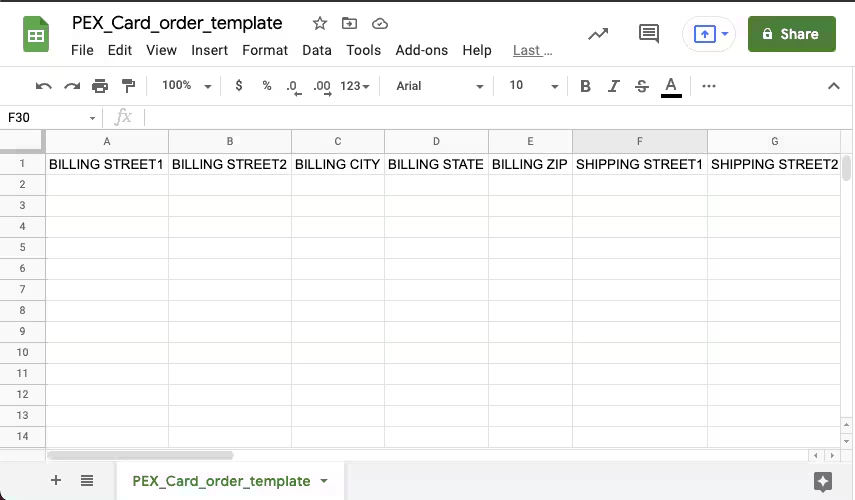
Complete the Bulk Card Order Request Form in CSV (Comma Separated Value)
- You can use the most popular spreadsheet editing programs to complete the file
- Excel
- Numbers
- Google Sheets
The authentication system will require cardholders to enter their year of birth or a 6-digit code sent to their email address when they register their cards. Please be sure that you provide accurate information.
- Please be sure that you provide accurate information
- Note: Cardholders for Disburse programs must be at least 18 years old
When you select “PRIORITYMAIL”, “RUSH” or “EXPEDITED” Delivery (Column K), you incur a fee for expediting the processing and shipping of your card order (Columns F and G)
Delivery Methods for cards:
- FREE - First Class Mail (10-15 Business Days) - No Charge
- PRIORITYMAIL - (4-8 Business Days - tracking included) -
$10fee - EXPEDITED - (up to 5 business days - tracking included) -
$55fee - RUSH - (up to 4 business days - tracking included) -
$70fee
CSV details (Team Member)
This table outlines the structure and rules for each column in the PEX Team Member Bulk Card Order CSV template. Adhering to these specifications is crucial for successful uploads. All columns are required unless otherwise noted.| Column | Field name (CSV header) | Required? | Description | Rules and constraints |
|---|---|---|---|---|
| A | BILLING STREET1 | Cardholder’s billing address line 1. | Required. Maximum 26 characters. | |
| B | BILLING STREET2 | Cardholder’s billing address line 2. | Optional. Maximum 26 characters. | |
| C | BILLING CITY | City for the cardholder’s billing address. | Required. | |
| D | BILLING STATE | State for the cardholder’s billing address. | Required. Two letter format (e.g., MA, CA). | |
| E | BILLING ZIP | ZIP code for the cardholder’s billing address. | Required. | |
| F | SHIPPING STREET1 | Cardholder’s shipping address line 1. | Required. Maximum 26 characters. | |
| G | SHIPPING STREET2 | Cardholder’s shipping address line 2. | Optional. Maximum 26 characters. | |
| H | SHIPPING CITY | City for the cardholder’s shipping address. | Required. | |
| I | SHIPPING STATE | State for the cardholder’s shipping address. | Required. Two letter format (e.g., MA, CA). | |
| J | SHIPPING ZIP | ZIP code for the cardholder’s shipping address. | Required. | |
| K | DELIVERY_METHOD | Method for card delivery. | Required. Must be one of: FREE, PRIORITYMAIL, EXPEDITED, RUSH. | |
| L | SHIPPING CONTACT NAME | Contact person for expedited shipments. | Optional. Recommended if DELIVERY_METHOD is PRIORITYMAIL, EXPEDITED, or RUSH. | |
| M | SHIPPING CONTACT PHONE | Contact phone for expedited shipments. | Required if DELIVERY_METHOD is PRIORITYMAIL, EXPEDITED, or RUSH. Format: XXX-XXX-XXXX. | |
| N | FIRST NAME | Cardholder’s first name. | Required. Combined FIRST NAME + LAST NAME max 22 characters. | |
| O | LAST NAME | Cardholder’s last name. | Required. Combined FIRST NAME + LAST NAME max 22 characters. | |
| P | EMAIL ADDRESS | Cardholder’s email address. | Required. Used for registration/authentication. | |
| Q | DOB | Cardholder’s date of birth. | Required. Format: MM/DD/YYYY. Used for authentication. | |
| R | MOBILE PHONE | Cardholder’s phone number. | Required. Format: XXX-XXX-XXXX. | |
| S | GROUP NAME | Name of the group to assign the cardholder to. | Optional. | |
| T | SPENDING RULESET NAME | Name of the spending ruleset for the card. | Optional. | |
| U | CUSTOM ID | A custom identifier for the cardholder. | Optional. | |
| V | SEND INVITATION | Send an invitation email to the cardholder. | Optional. Enter YES to send; leave empty otherwise. | |
| W | VIRTUAL CARD | Designate the card as virtual only. | Optional. Enter YES for virtual (no physical card); leave empty for physical. | |
| X | SPEND LIMIT | Statement period spend limit for the card. | Required for Credit Expense cards. Leave blank for Prepaid. Numeric (e.g., 5000). | |
| Y | CARD EXPIRATION MONTHS | Length of card validity in months. | Optional. Valid entries: 6, 12, 36, 60. |
Note:The form must be saved in the original format it was downloaded. Any changes to the format of the form will cause the file to be rejected and show errors.
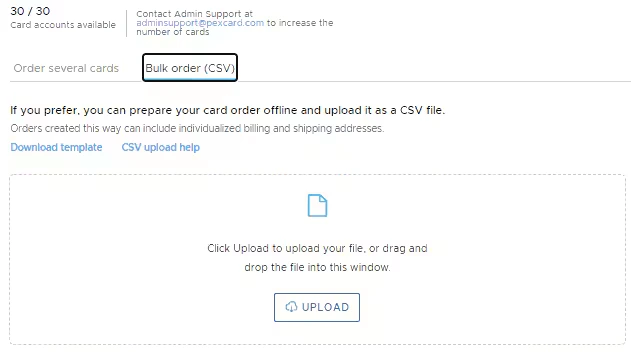
Completing the Vendor card order request form in CSV
Complete the Bulk Card Order Request Form in CSV (Comma Separated Value)
- You can use the most popular spreadsheet editing programs to complete the file
- Excel
- Numbers
- Google Sheets
CSV details (Vendor)
This table outlines the structure and rules for each column in the PEX Vendor Card Order CSV template. Adhering to these specifications is crucial for successful uploads. All columns are required unless otherwise noted.| Column | Field name (CSV header) | Required? | Description | Rules and constraints |
|---|---|---|---|---|
| A | VENDOR NAME | The name of the vendor. Appears on virtual cards as “VENDOR [Vendor Name]”. | Required. Maximum 15 characters. | |
| B | VENDOR EMAIL | The contact email address for the vendor. | Optional. | |
| C | MOBILE PHONE | The contact phone number for the vendor. | Required. Format: XXX-XXX-XXXX. | |
| D | USE AUTO CARD FUNDING | Automatically fund this card for the exact purchase amount with a real-time transfer from your PEX account when the transaction occurs. Leave INITIAL FUNDING blank if set to YES. | Optional. Enter YES to enable. See Using Auto Card Funding instead of manual card funding. | |
| E | INITIAL FUNDING | The amount of funds to add to the card upon creation. | Optional. Numeric (e.g., 1000). | |
| F | AUTO-ACTIVATION | Determines if the card should be activated immediately upon creation. | Optional. Enter YES for immediate activation; leave empty otherwise. | |
| G | CARD EXPIRATION MONTHS | The length of the card’s validity in months. | Optional. Valid entries: 6, 12, 36, 60. |
Note:The form must be saved in the original format it was downloaded. Any changes to the format of the form will cause the file to be rejected and show errors.