How to manage cards using filters
Log in to dashboard.pexcard.com
Select your desired parameters from the dropdown menus. Available filters include:
- Cardholder name
- Card number
- Card ID
- Group
- Spend policy
- Status
- Has PIN?
- Balance
- Date issued
- Expiration date
- Date last used
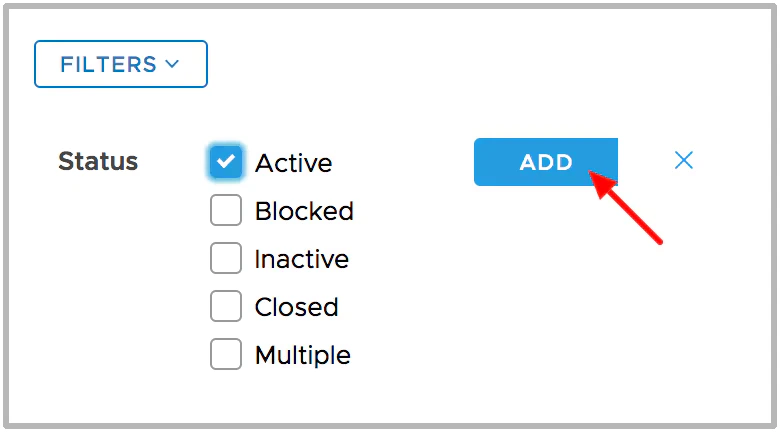
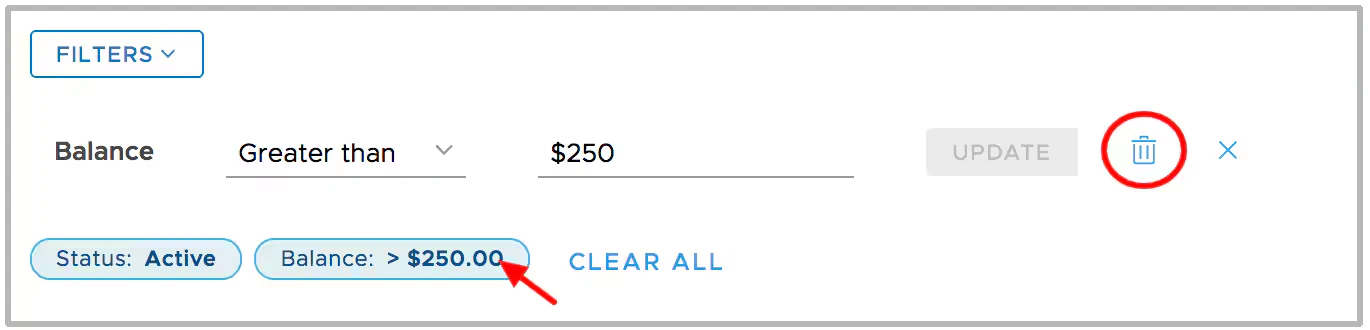
Click Add or the trash can icon to add or remove filters when applying multiple filters
- Click on an existing filter badge to edit the filter
- The “x” closes the filter edit window
- Use the “Clear All” button to clear all filters and start over