
Export transactions to Xero

1
Log in to the administrator site at dashboard.pexcard.com.
2
In the left navigation, click Reports.
3
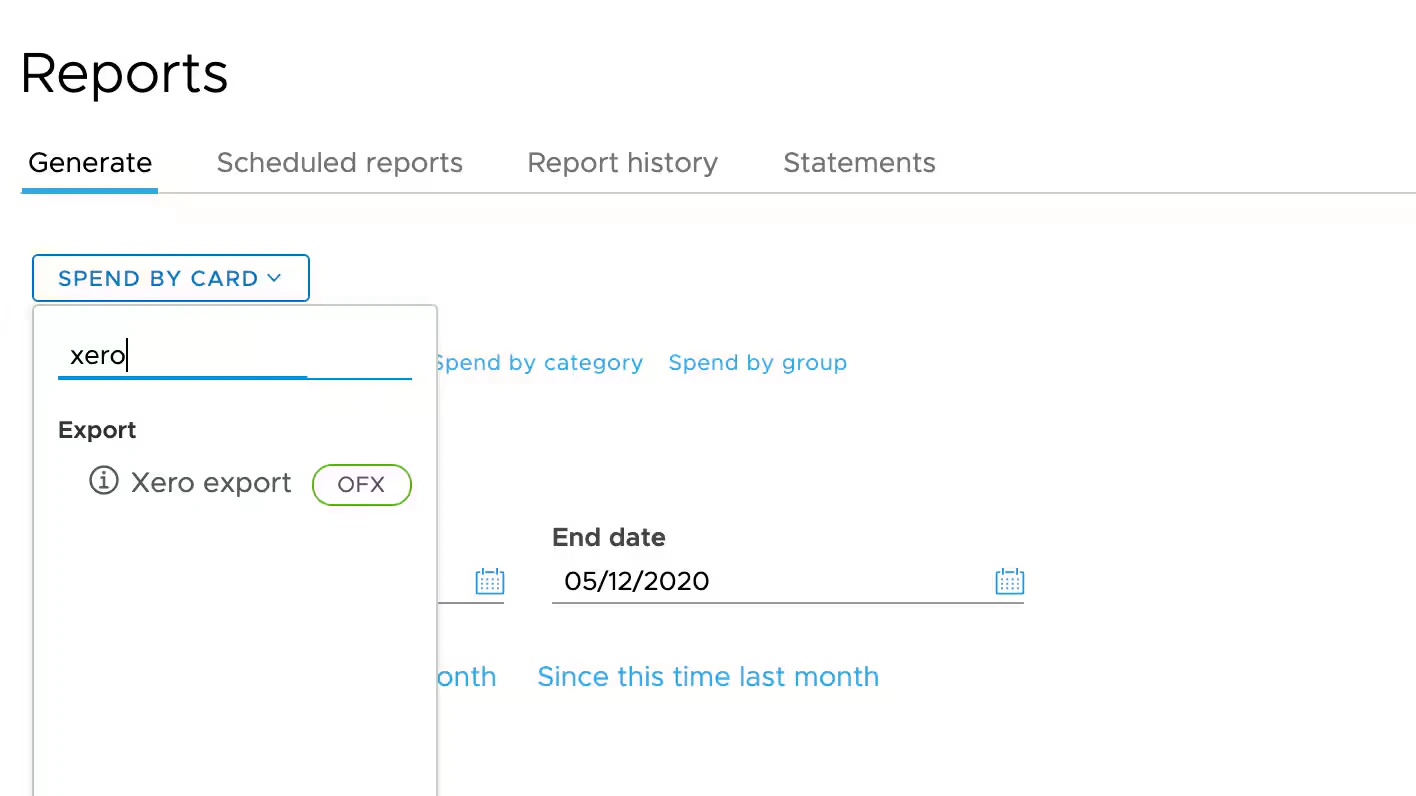
Choose Xero export for the report plan, or search for Xero.
4
Choose your report Start and End dates.
Note:To avoid creating duplicate records when downloading into Xero, choose a Start date that does not include records you have already downloaded.
5
Click Export to Xero. This downloads an OFX file to your desktop or downloads folder.
6
Open Xero and import the file.
For instructions on how to import into Xero, see Xero’s guide to importing OFX files.
Last modified on April 23, 2026