

Frequently Asked Questions
What should I do when my bank account becomes unlinked?
What should I do when my bank account becomes unlinked?
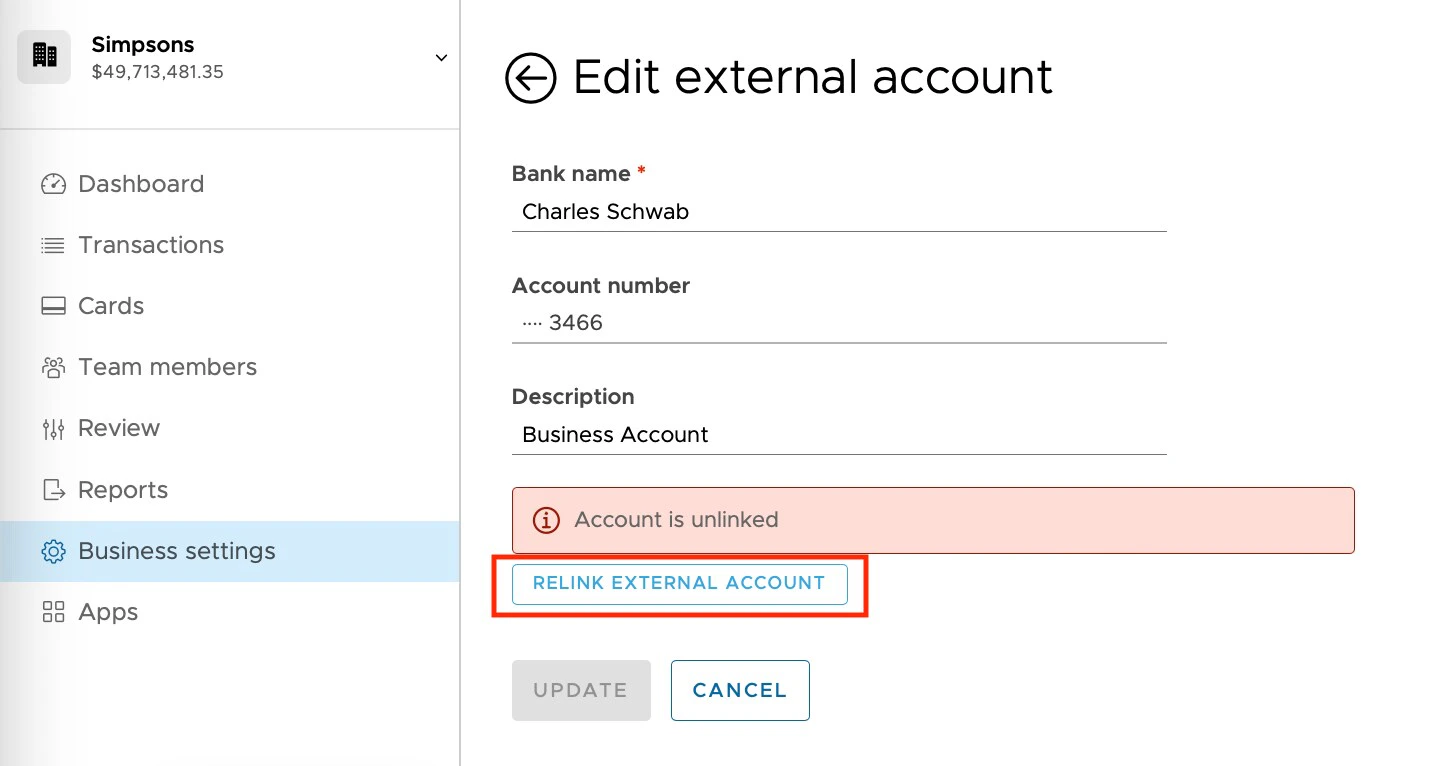
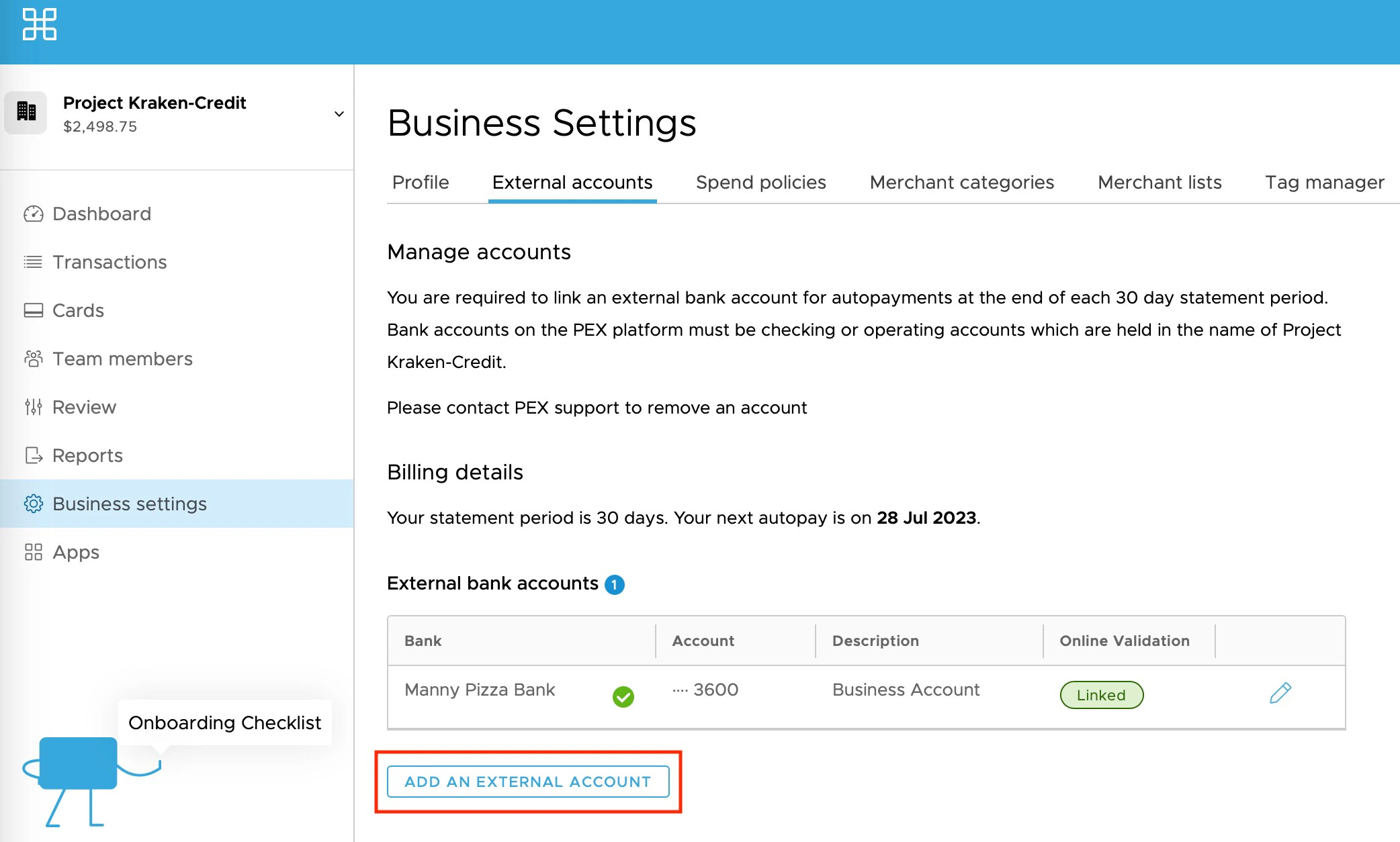
Sometimes the Instant Account Verification via Open Banking Providers link for your external bank account can become unlinked. This usually happens if you make a change to your banking login credentials. For some banks the Instant Account Verification via Open Banking Providers link can also time out, and you will need to reconnect your bank on the “External accounts” screen within PEX “Business settings.” You will receive email notifying you if your bank account becomes unlinked, and it will be indicated under the “Online validation” column.The first step to relinking a bank account is to click the edit “Pencil” button next to your unlinked account. 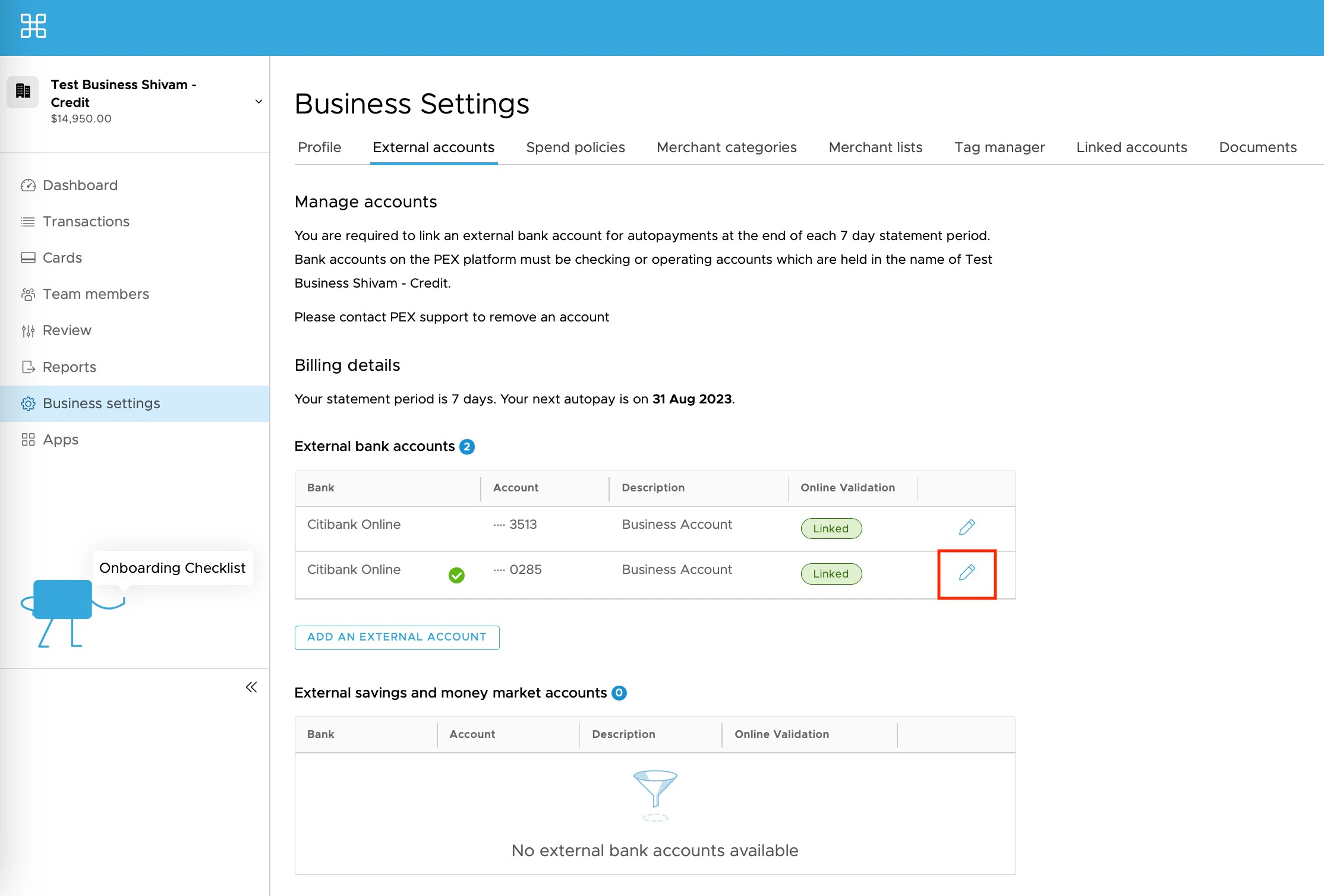
Can I make repayments via Same Day ACH if my bank account is unlinked?
Can I make repayments via Same Day ACH if my bank account is unlinked?
Autopay will still occur even if your bank account is unlinked. However, you repayment will not immediately replenish your Credit Line, and will instead be subject to 3 business day delay to ensure that the funds are fully settled. Manual repayments from the “Transactions” screen are not allowed from unlinked bank accounts.
What happens if my bank account is unlinked for an extended period?
What happens if my bank account is unlinked for an extended period?
If your Instant Account Verification via Open Banking Providers connection is unstable, we recommend that you relink your bank account in the 24 hours before your statement end date when Autopay occurs at 12pm Eastern Time. If the Instant Account Verification via Open Banking Providers connection is unstable with your bank, be sure to relink at least once per statement period, so that the PEX Credit Risk team has recent balance data to service your Credit Line. Having an unlinked bank account for an extended period could result in credit line decreases or account suspension.