

Note:If your bank rejects an ACH request, they may charge you a fee (e.g., for insufficient funds). In addition, if your bank rejects an ACH request, PEX will charge a Transfer Request Return Fee of $30. For further pricing details, the pricing page can be reviewed here.
How to Create a Transfer of Funds from Your Bank to Your PEX Account
Log in to dashboard.pexcard.com
Click “Make a transfer” blue button on the upper right
Note:The Make a transfer button will not be available if you do not have these Admin permissions. Check permissions in My Profile, or contact the administrator who created your profile.
Select Same-Day ACH or Standard ACH transfer
Note:To create a scheduled transfer of funds, select the Standard ACH option to view additional scheduling options. Same-Day ACH transfers cannot be scheduled.
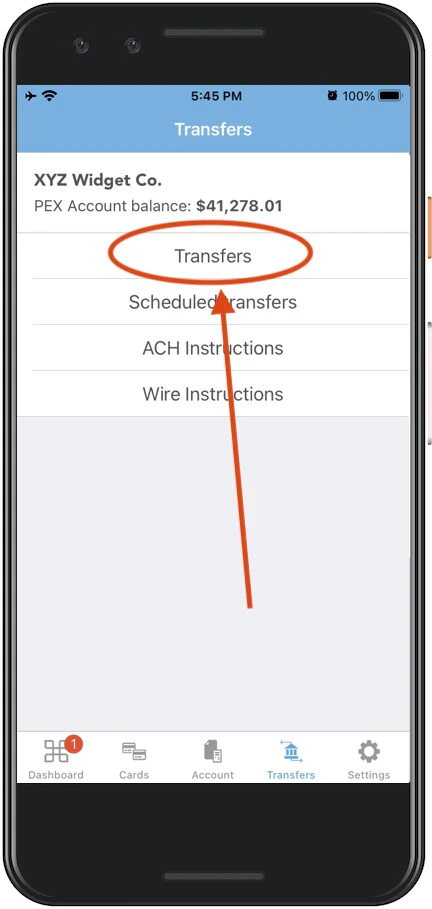
How to Transfer Funds to Your External Bank Account If you need to add funds to your PEX account faster, you may find the following articles useful:
- “How to Fund by Wire Transfer ” (fastest way)
- “How to Fund by Bank ACH”