

- IMPORTANT: PEX is unable to accept wire transfers from third-party bank accounts.
- Third-parties are:
- Other companies owned by the owner of your company
- Your company’s vendors or customers
- Subsidiary or parent accounts of your company
- Personal bank accounts
- Wires sent from third-parties will be returned to the sender
- Wires received after 5 PM ET will be posted to your PEX account on the next business day
- Wire receipt times will vary, depending upon your bank’s process (e.g., it may take less than 30 minutes for a wire to post, or more than 1 hour)
- PEX is unable to pinpoint the hour a wire will be received; however, wire transfers are posted within a few minutes of receipt
Note:To avoid posting delays or wire returns, please review the following:
- PEX can only post wires showing the exact business name as the PEX business account or its registered DBA
- If PEX does not have your DBA document on file, then PEX will request it, and only then PEX will be able to post the wire to your account
How to Make a Wire Transfer
Log in todashboard.pexcard.comYou can also Print the Instructions by clicking the button provided at the bottom. Be sure that your bank does not send the wire with your name or an associated third party as the sender.Check back in the Administrator Site (Transactions > PEX Account Transactions) after the transfer is completed to confirm that the wired funds are available in your PEX account.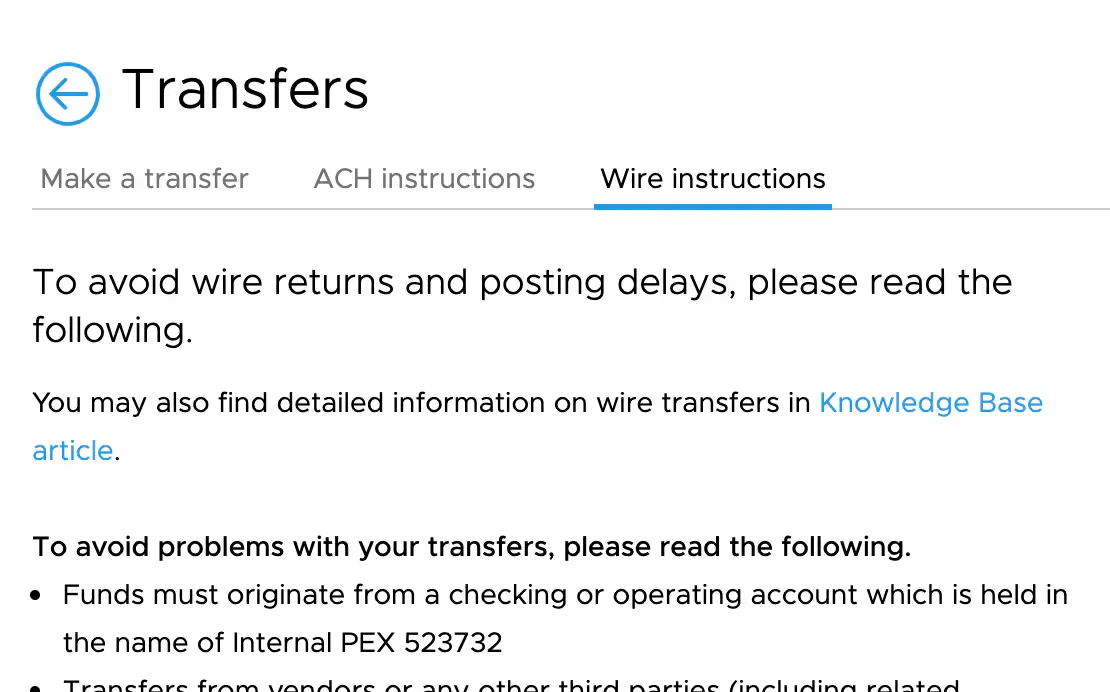
- Click on the “Transactions” tab
- Click the “Make a Transfer” button on the top right
- Click on the “Wire Instructions” tab
- Provide the bank details on the screen to your bank for the wire transfer