

- The transfer will take approximately two (2) business days
How to Move Funds To Your External Bank Account from PEX
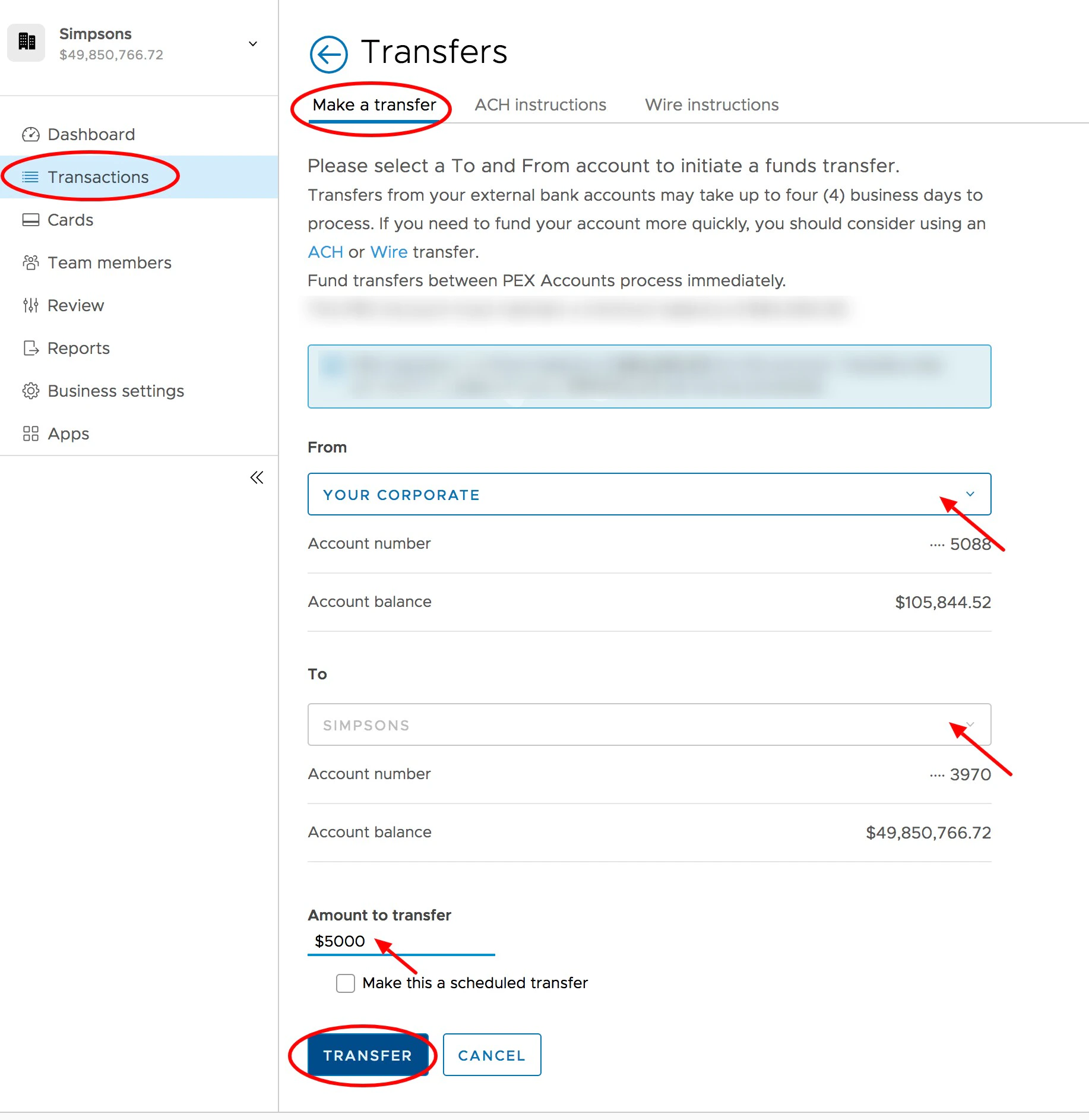
Log into https://dashboard.pexcard.com/
Select an external bank account from the drop-down list in the “To” field
- If there is only one option, it will be pre-selected
Note:Any transfers from your PEX business account by administrators to your bank will incur a $10 outbound transfer fee. These and other fees are outlined on our pricing page.