Note:Administrators may not edit or remove a cardholder’s note. Cardholders may edit or remove their own notes.
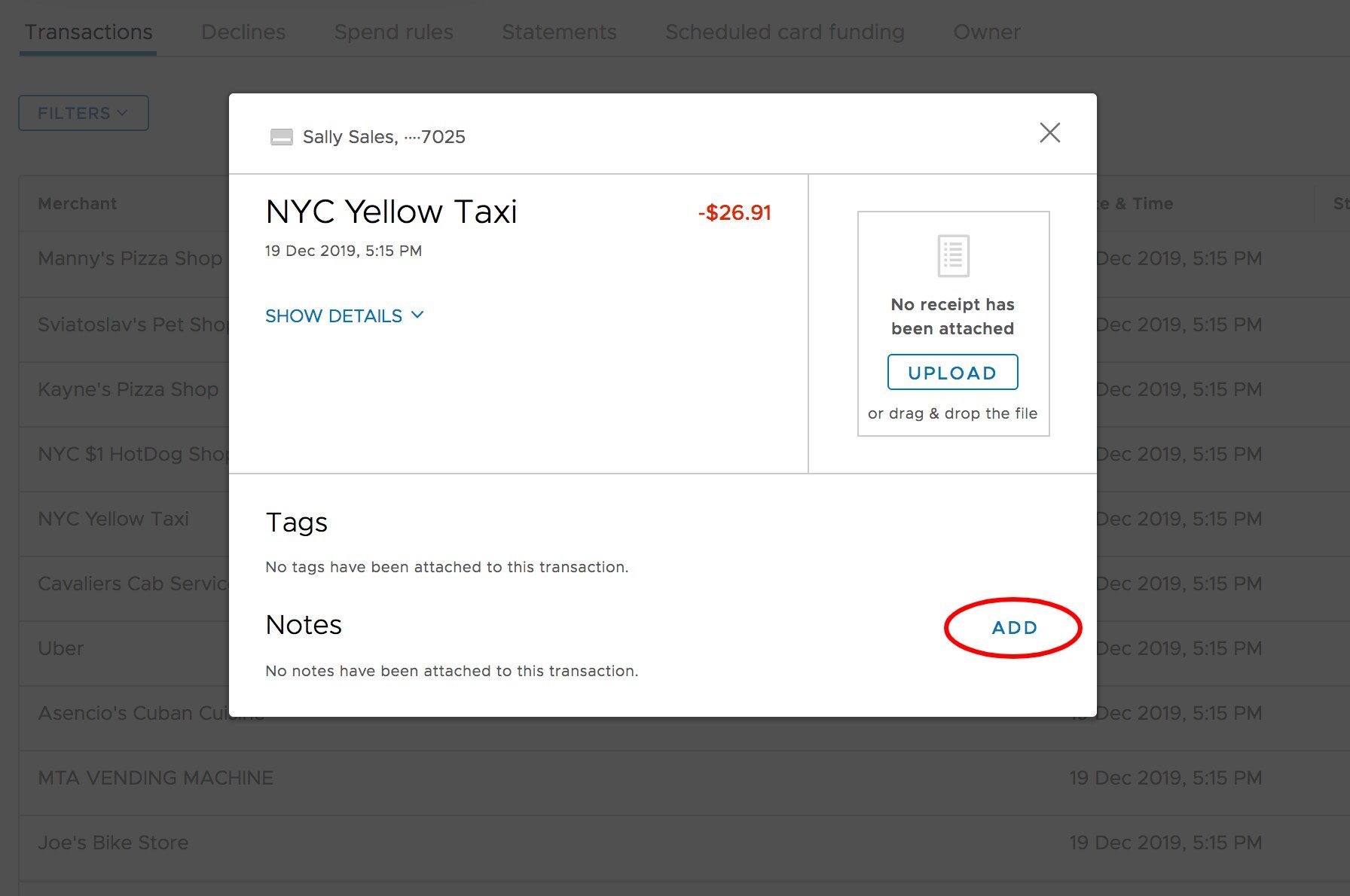
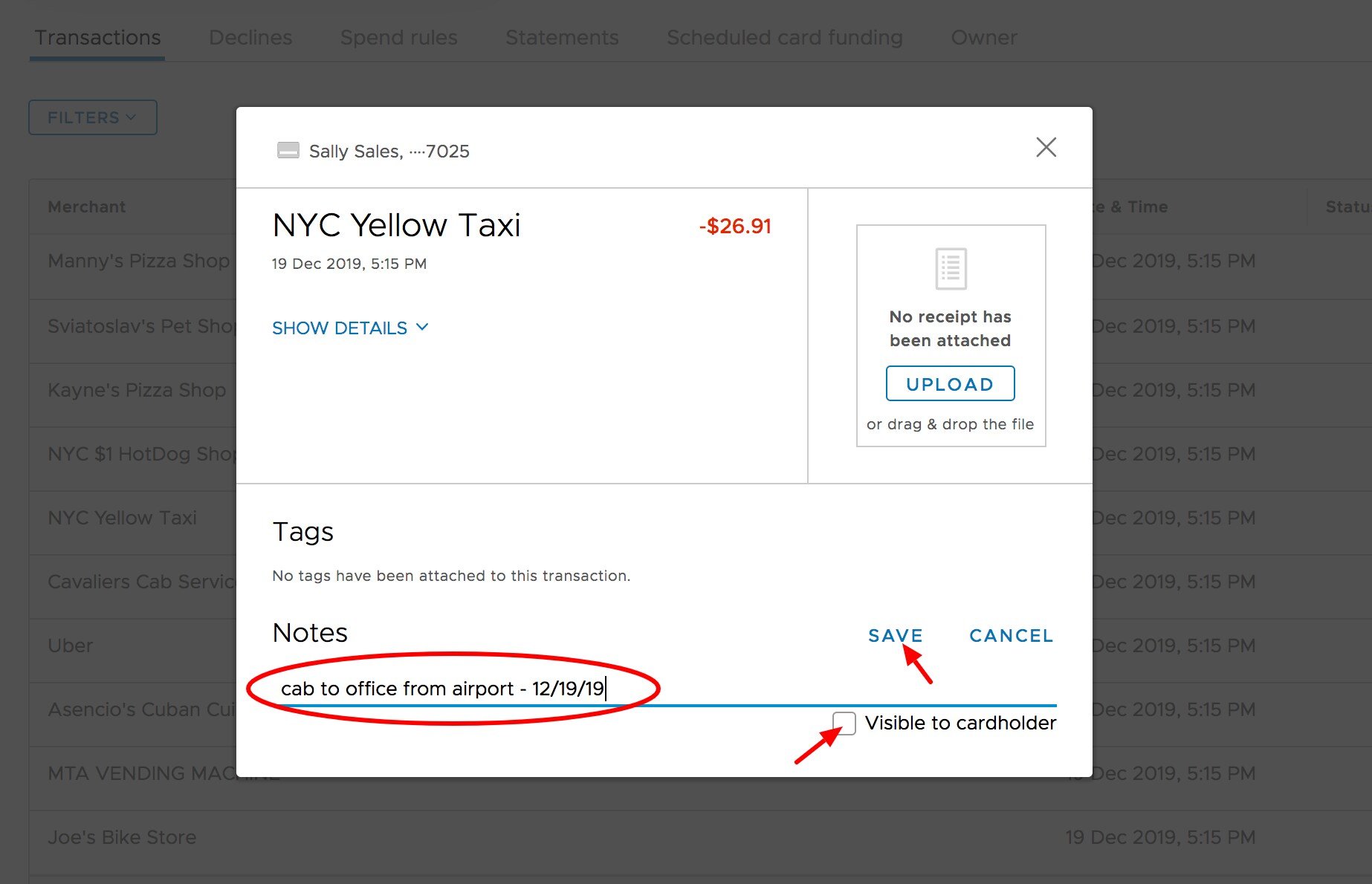
How to add transaction notes
Log in to dashboard.pexcard.com
Administrators can add Transaction Notes to cardholder transactions. Notes can add detail to a transactions, (e.g., P.O. number, project name, event, etc.) or leave a comment for future reference.