

Administrator Site
How to change the icon on your account
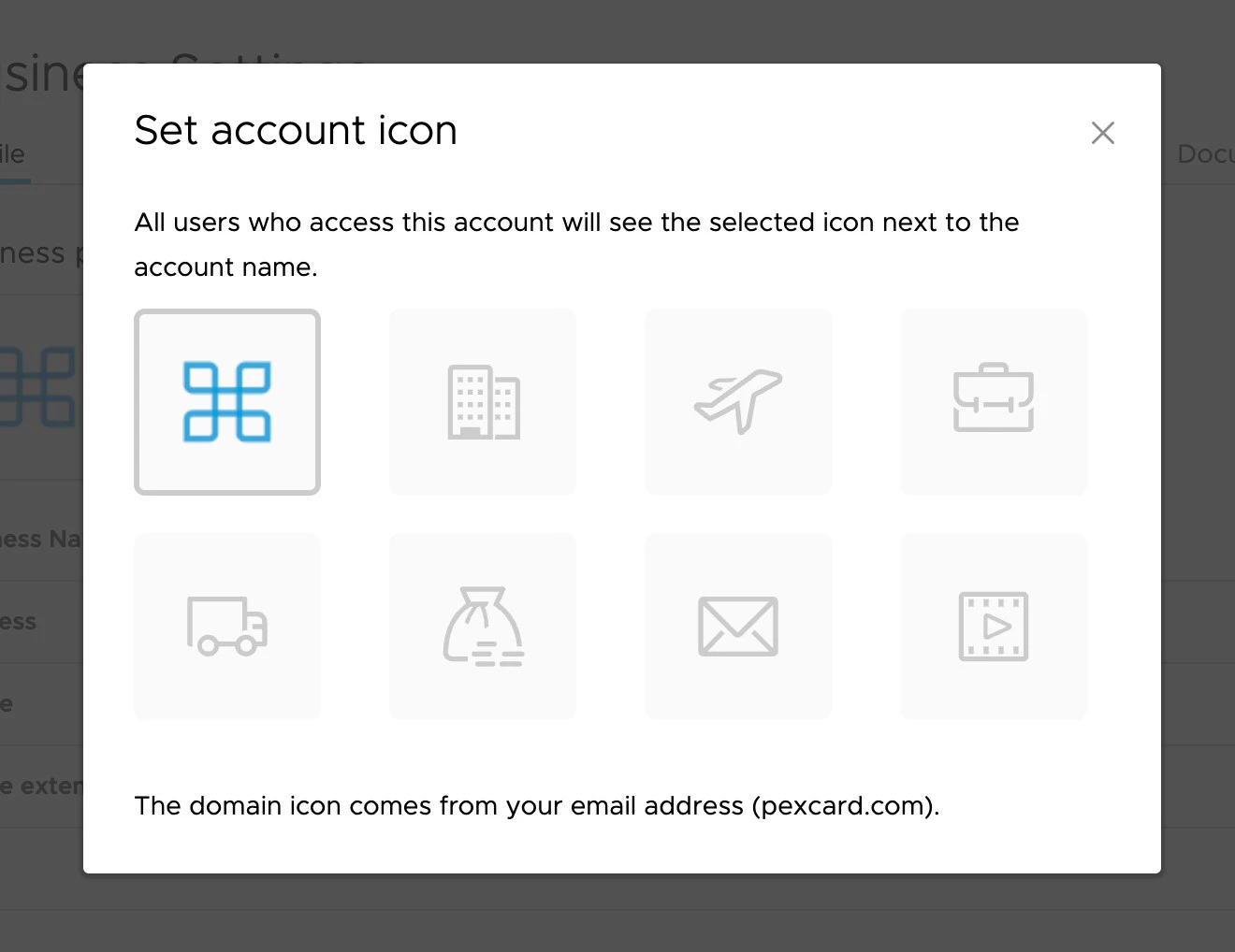
You can set a custom icon on your account that will display to all users of the account. This can help to differentiate multiple types of accounts.
Last modified on April 22, 2026
You can set a custom icon on your account that will display to all users of the account. This can help to differentiate multiple types of accounts.