

Creating an Account
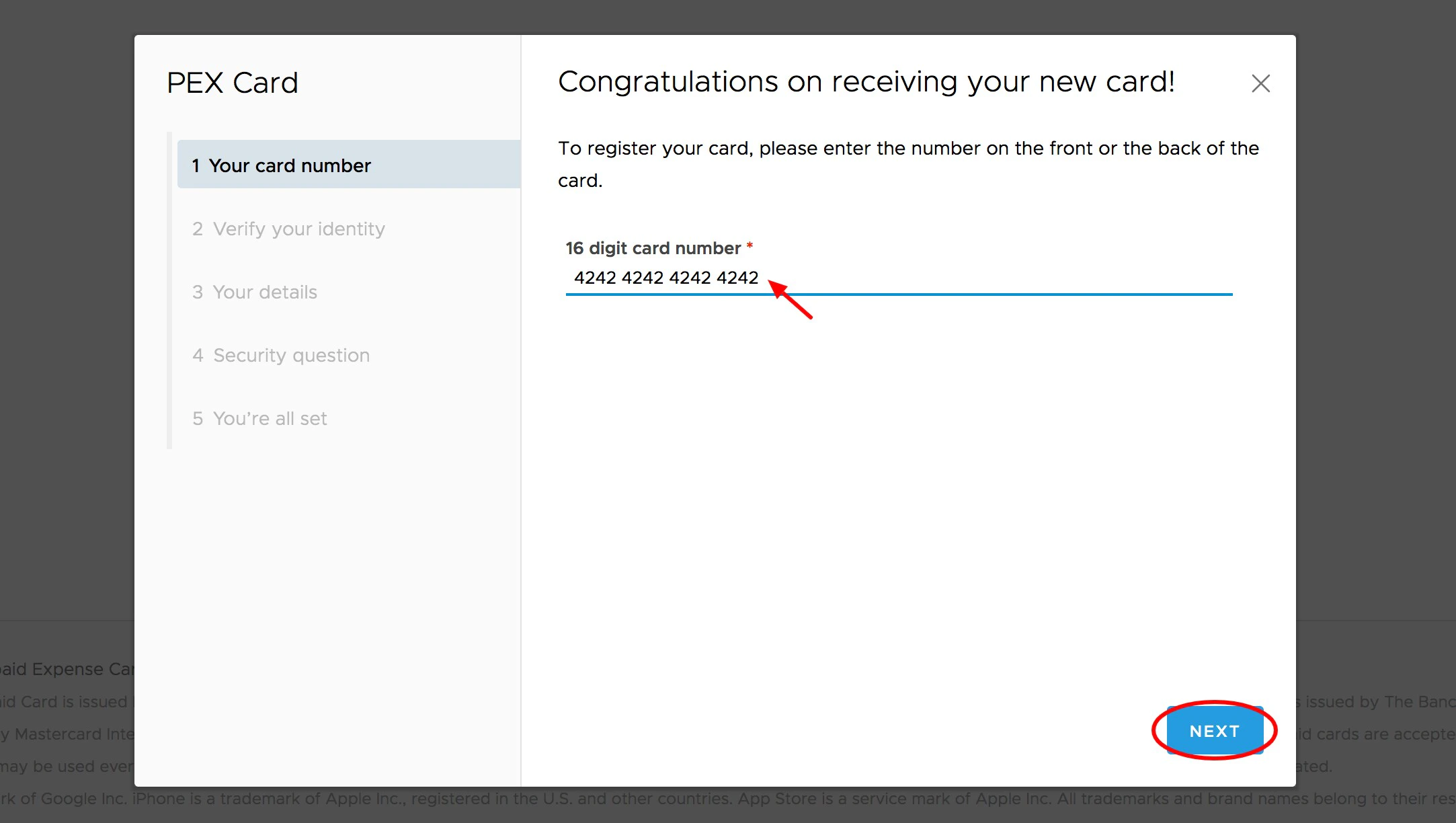
A six (6) digit code will be emailed to the email address on file that was provided when the card was ordered
- Check with your business administrator to verify the email address on your card profile
- Retrieve the code from your email and enter it in the field provided. Enter the number on your PEX Card and Click “Next”
After verifying your email address, you will be shown the phone number and birth date that PEX has on file
- Please alert your business administrator if this information is incorrect
Must be between 8 and 16 characters in length
- Must contain at least one digit (0-9)
- Must not begin with a hash symbol (#)
- Palindromes (such as “123aba321”) will be rejected
- Must not contain your username
- Spaces are not allowed
Creating a New Cardholder User Account Using Your Birth Year for Verification
If you do not have access to your company email, you administrator may have enabled the option to create a card account by using your birth year. This is not common. On Step 3 in the above instructions, enter your 4-digit birth year in the field provided.Note:Your birth year will only be applicable if the administrator chose this method. Entering the birth year is not a substitute for the secure verification code sent by email.