

Requesting funds for your card
Cardholders can ask Administrators to add funds to prepaid expense cards through the desktop Dashboard site and through the Mobile App.Click the blue “Request Funding” button in the upper right corner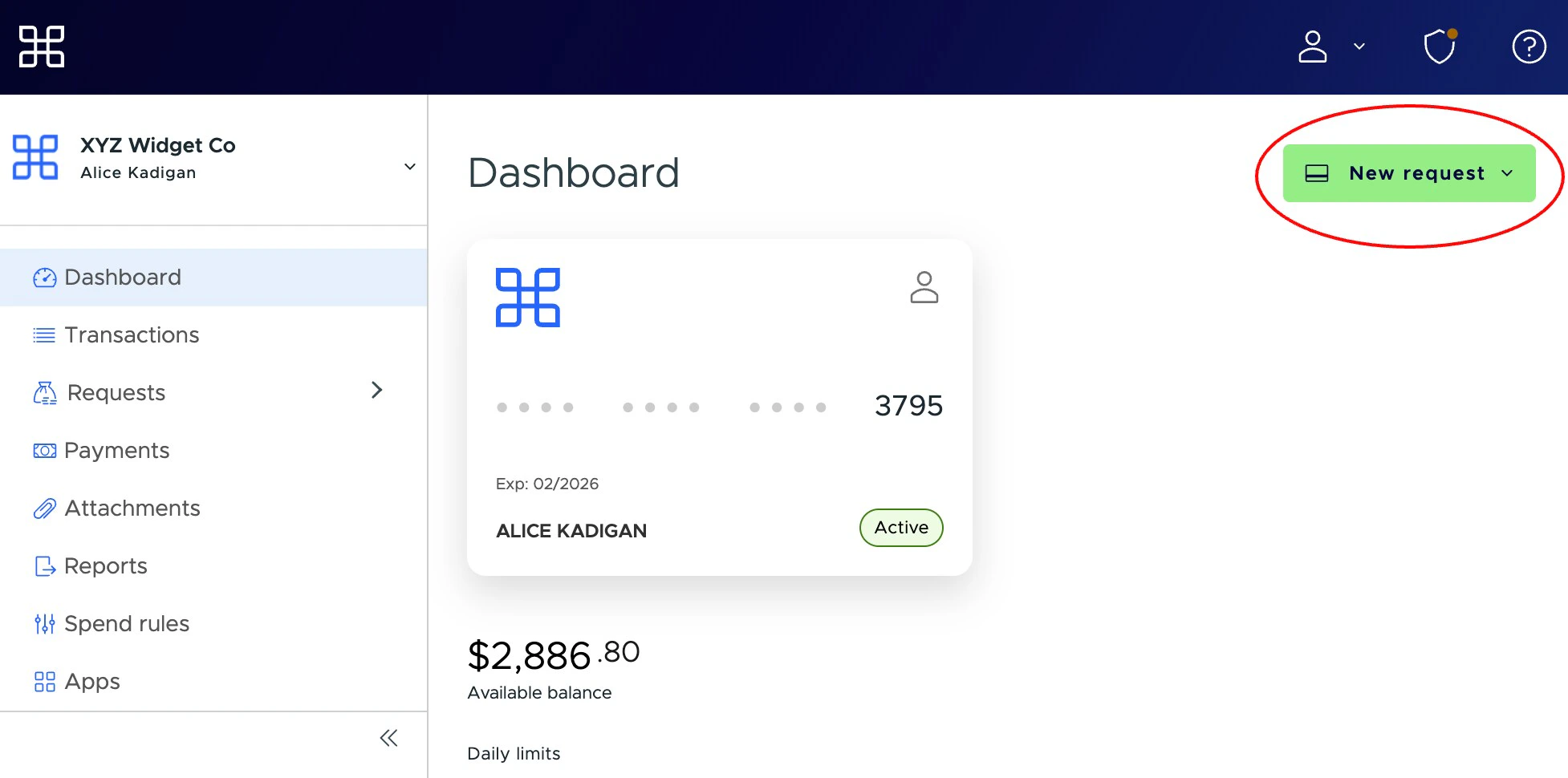
Note:
- for convenience, this button appears on the Dashboard tab, as well as the Funding Requests tab
Enter the amount of the funding request in the “Amount” field
- You can add a note for the Administrator if you like. The note is limited to 200 characters.