1. Verify your phone number
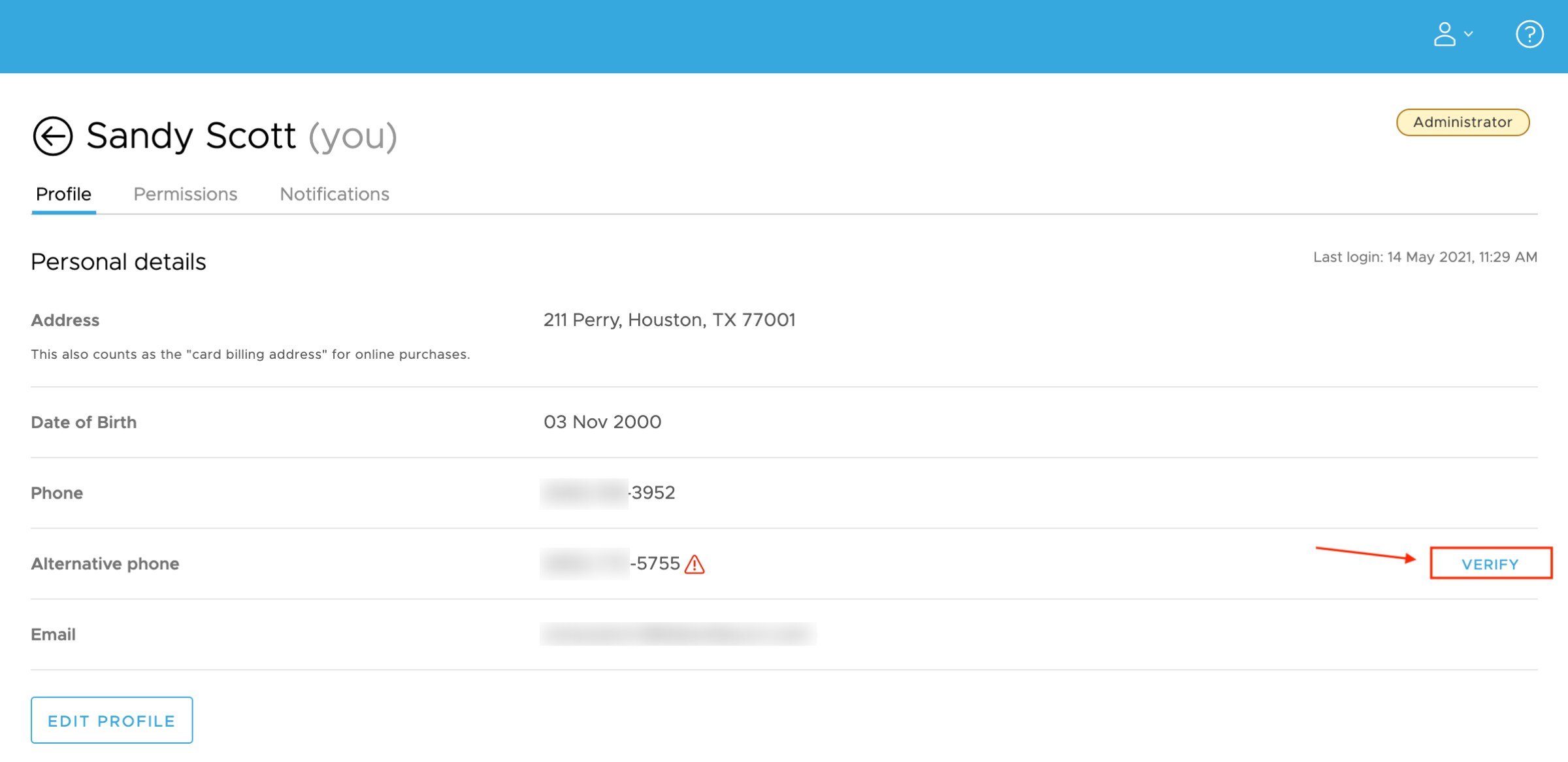
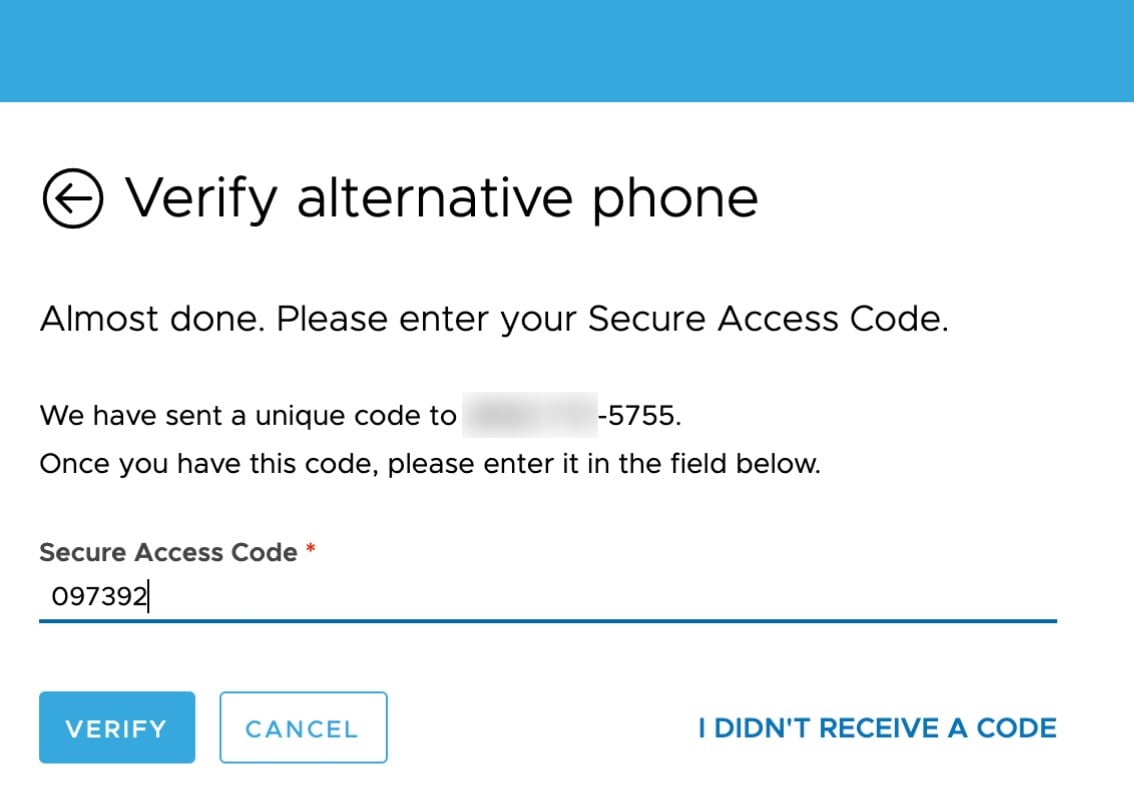
You can verify your phone number in two places.
Verify via login:
Log into your dashboard via dashboard.pexcard.com
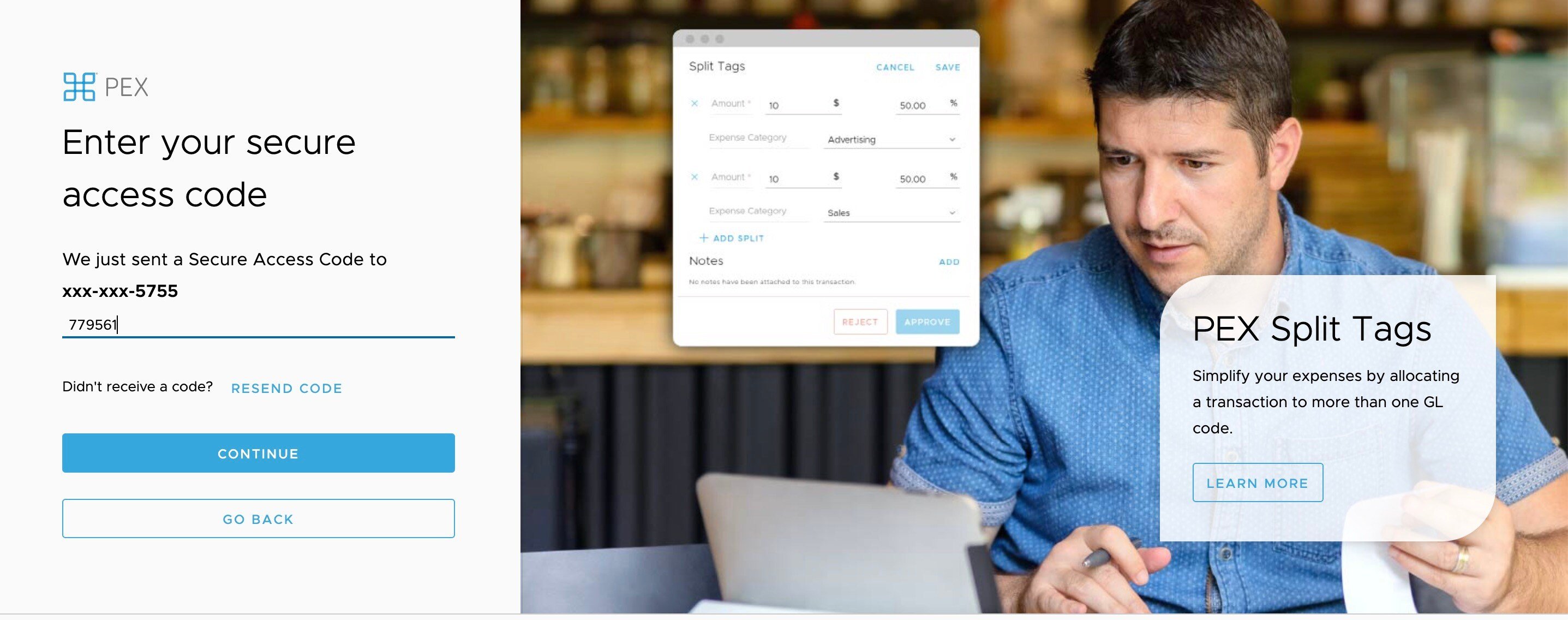
When prompted, enter the secure access code sent to your phone number
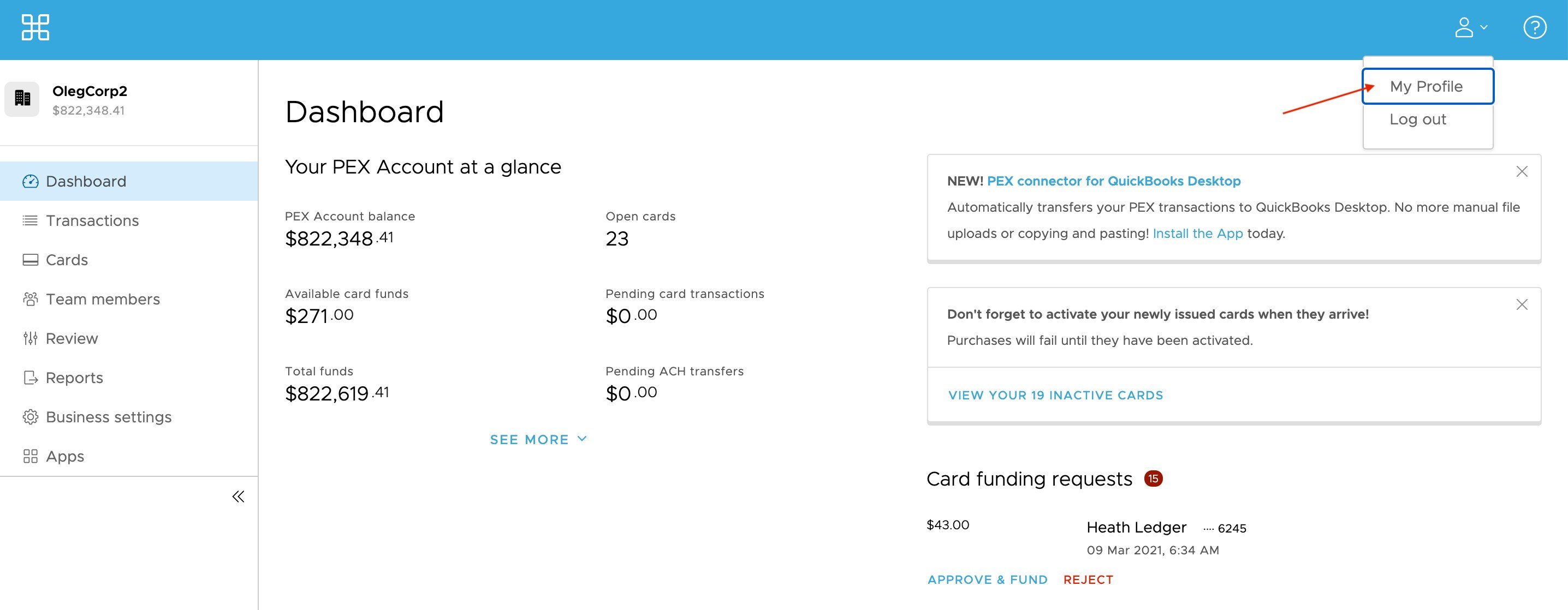
Verify via dashboard:
Log into your dashboard via dashboard.pexcard.com
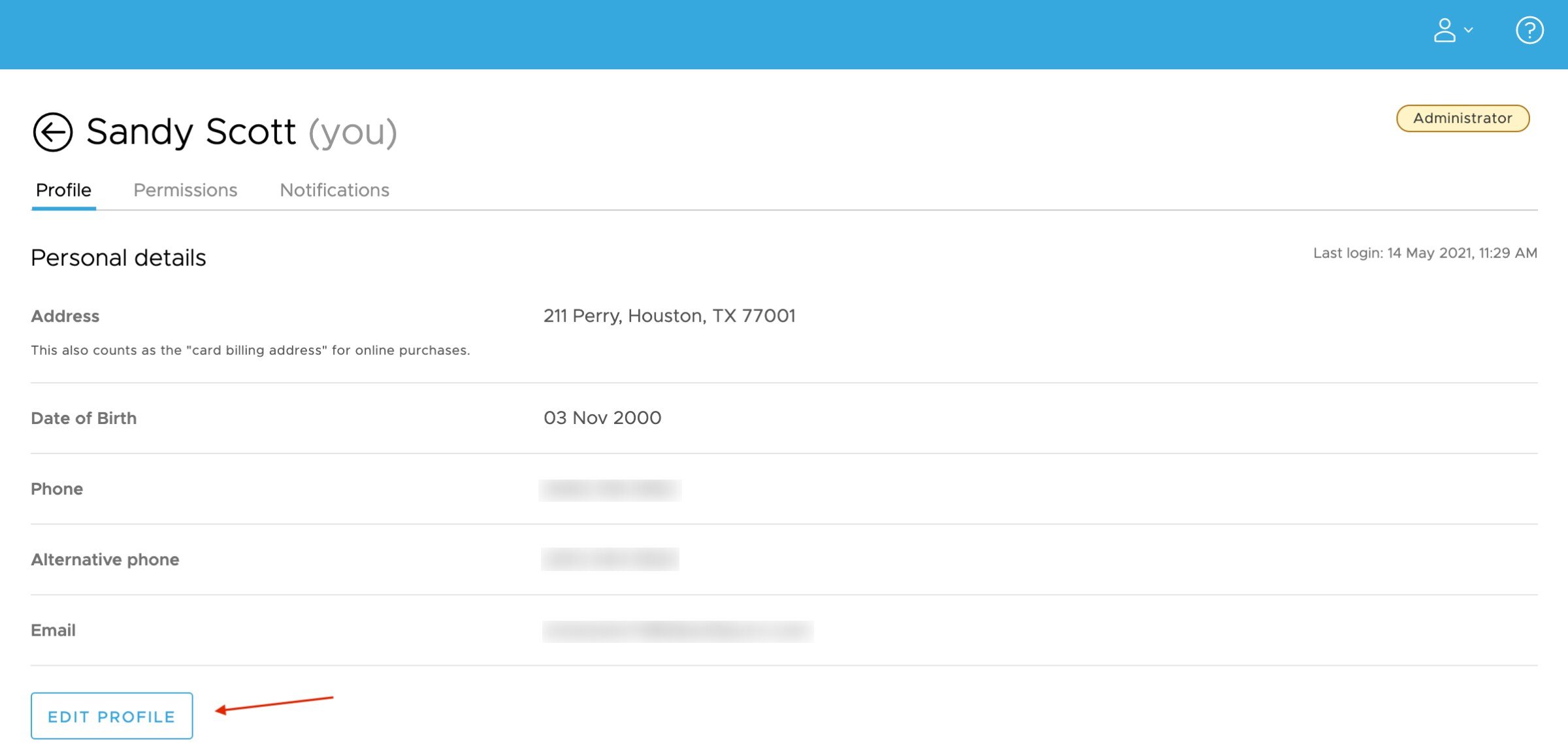
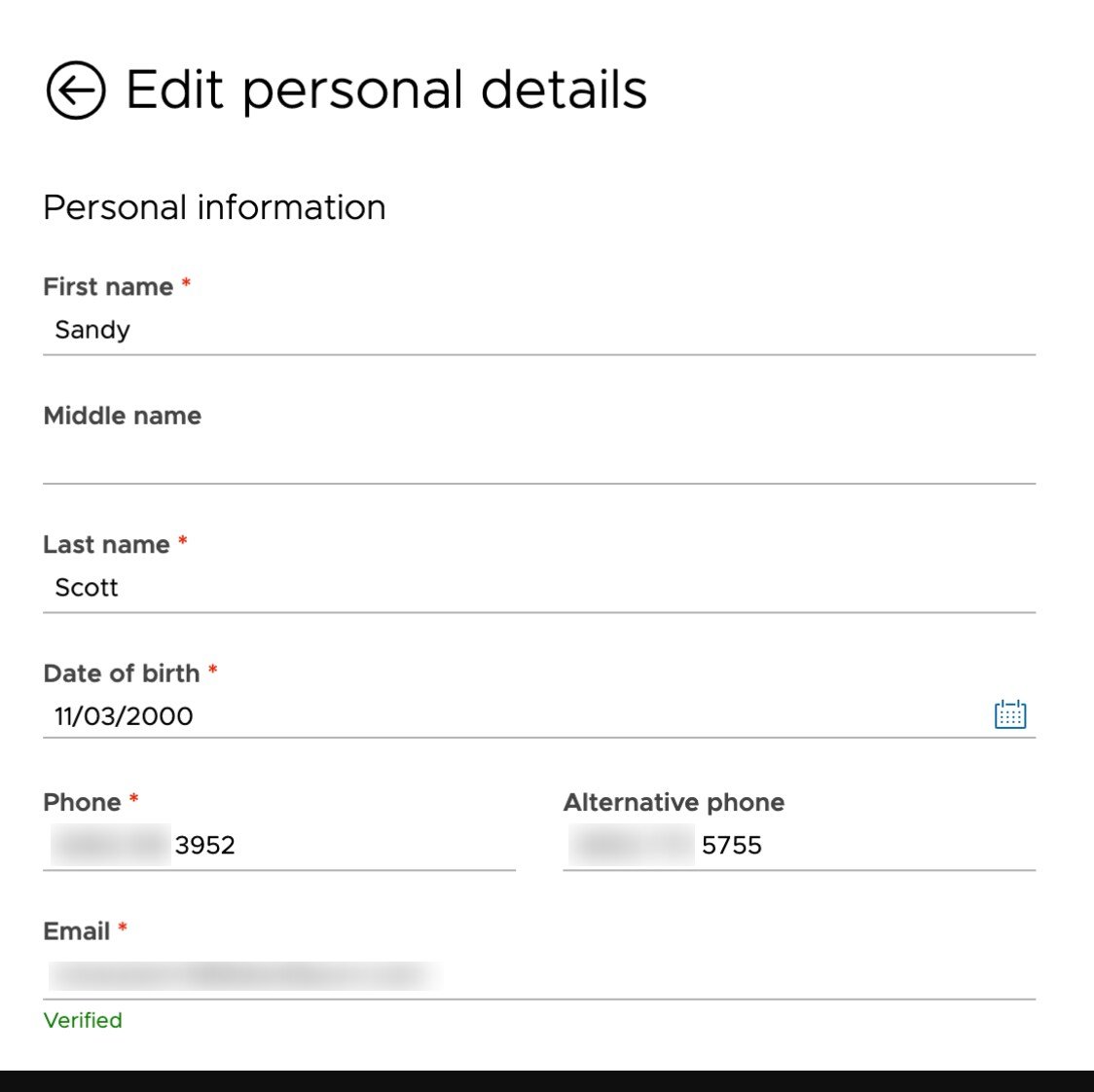
Edit or add your phone number where you would like to receive SMS MFA notifications When prompted, enter the secure access code sent to your phone number 2. Opt into SMS/Text to receive your secure access code
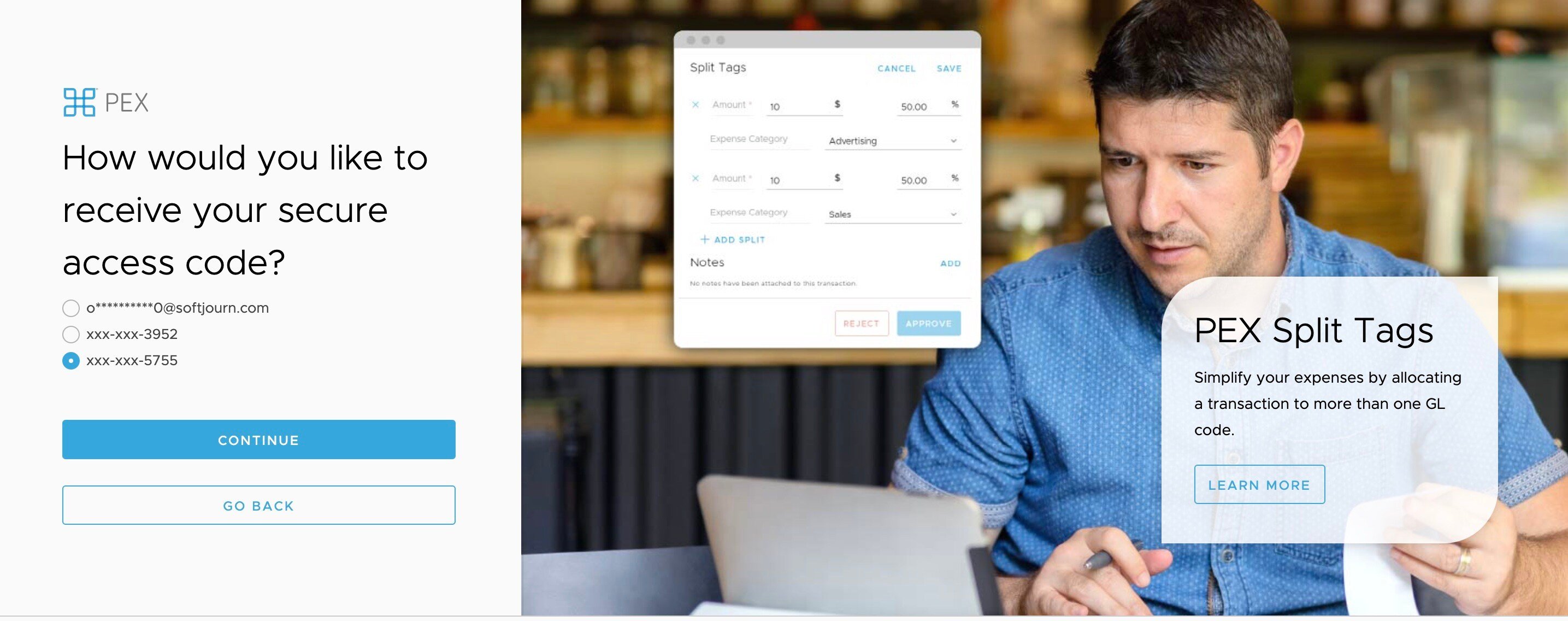
Once your phone number is verified, you can opt in to receive your secure access code via SMS/Text instead of email. The next time you log in from an unfamiliar device or are resetting your password, and are prompted to enter a secure access code, you will be able to choose SMS/Text as your method of choice for receiving access codes in the future each time you require the code to login.
Last modified on April 22, 2026