

- Download the iOS app from the App Store
- Download the Android app from the Google Play Store
- The download is free but carrier data rates may apply
How to Delete a Receipt Using the Mobile App
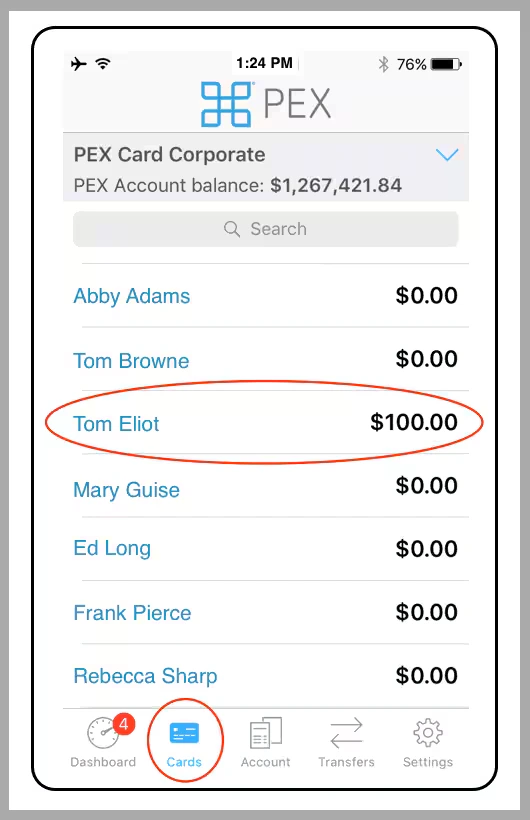
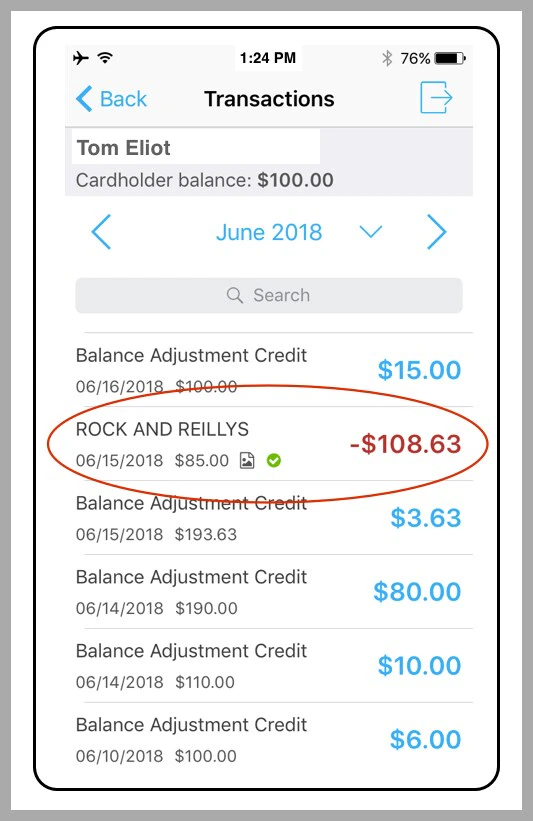
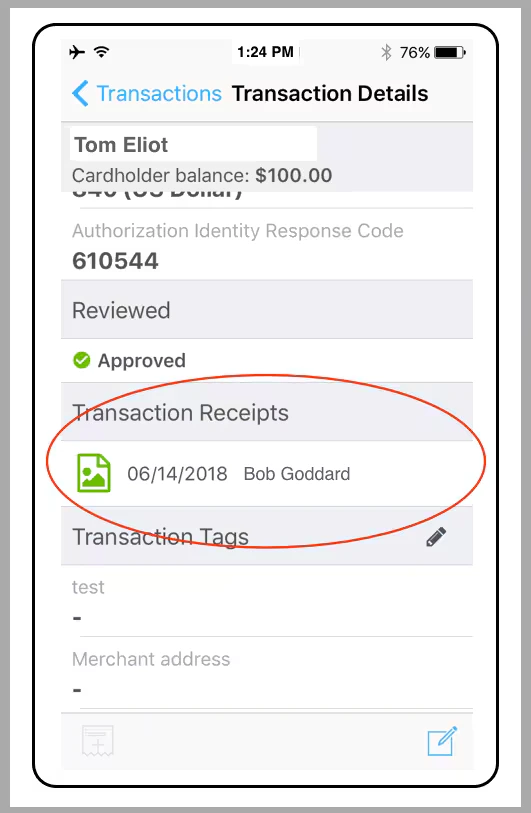
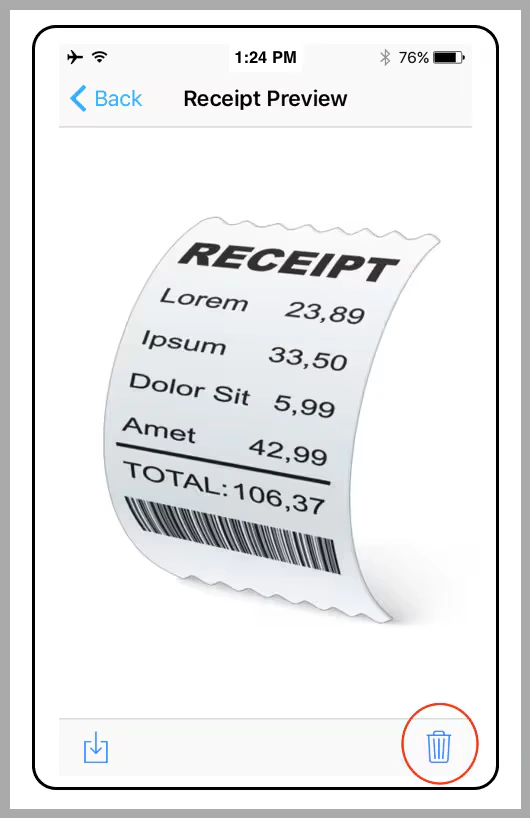
Note:
- Deleting a receipt does not delete any transaction Notes
- Once you delete the receipt, you can attach a new file to the transaction
How to Delete a Receipt Using the PEX Site
Log in to dashboard.pexcard.com
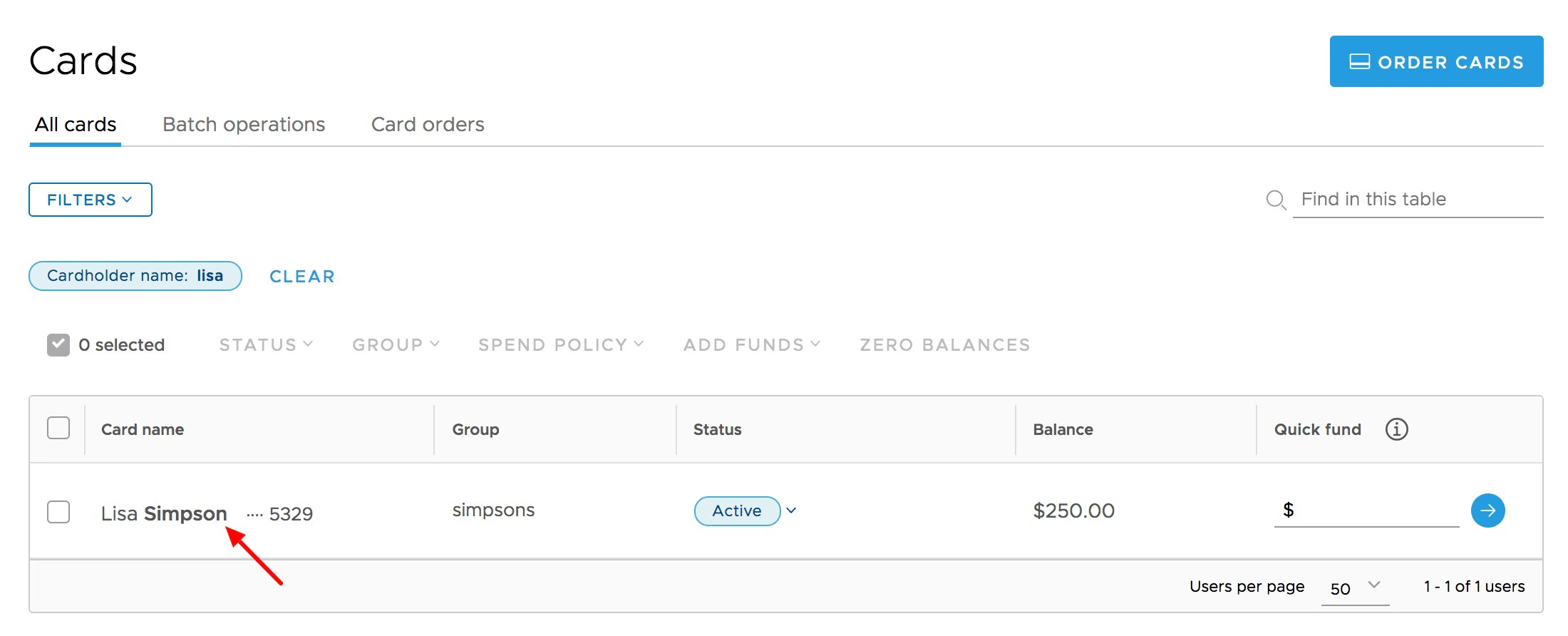
In the transaction list, Click on the transaction for which you wish to delete its attached receipt file
- If a receipt is uploaded, it will be visible on the upper right side of the transaction window
Click the “X” in the upper right corner of the receipt image when you hover your cursor over the box to edit or delete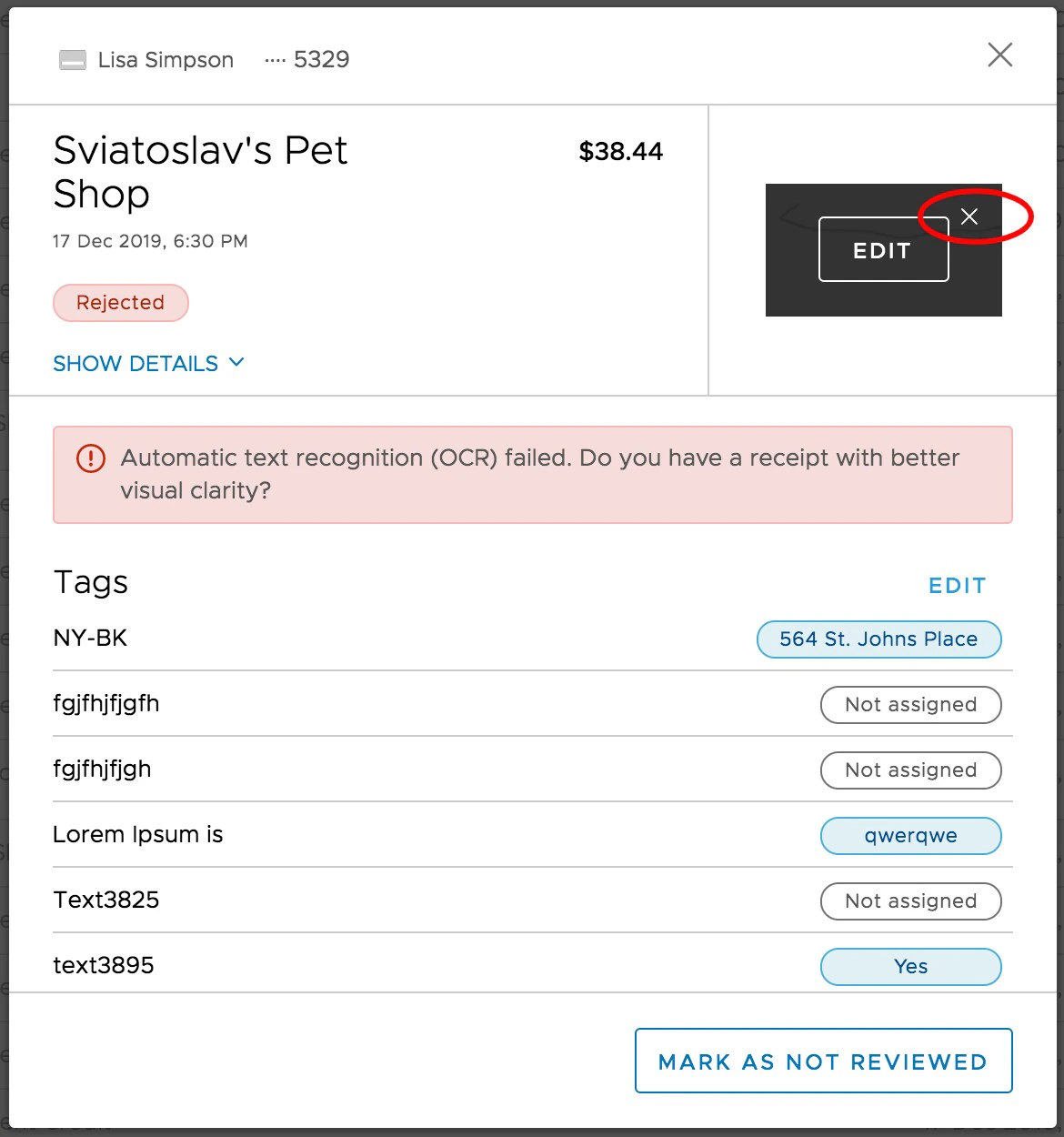
Note:
- Deleting a receipt does not delete any transaction Notes
- Once you delete the receipt, you can attach a new file to the transaction