

Note:If you are an admin and are not able to see statements for a given cardholder, please check your permissions with your organization’s primary administrator. You must have the “View Card Usage” permission enabled to be able to view cardholder statements.
Card Transactions
How to Download Cardholder Statements as an Administrator
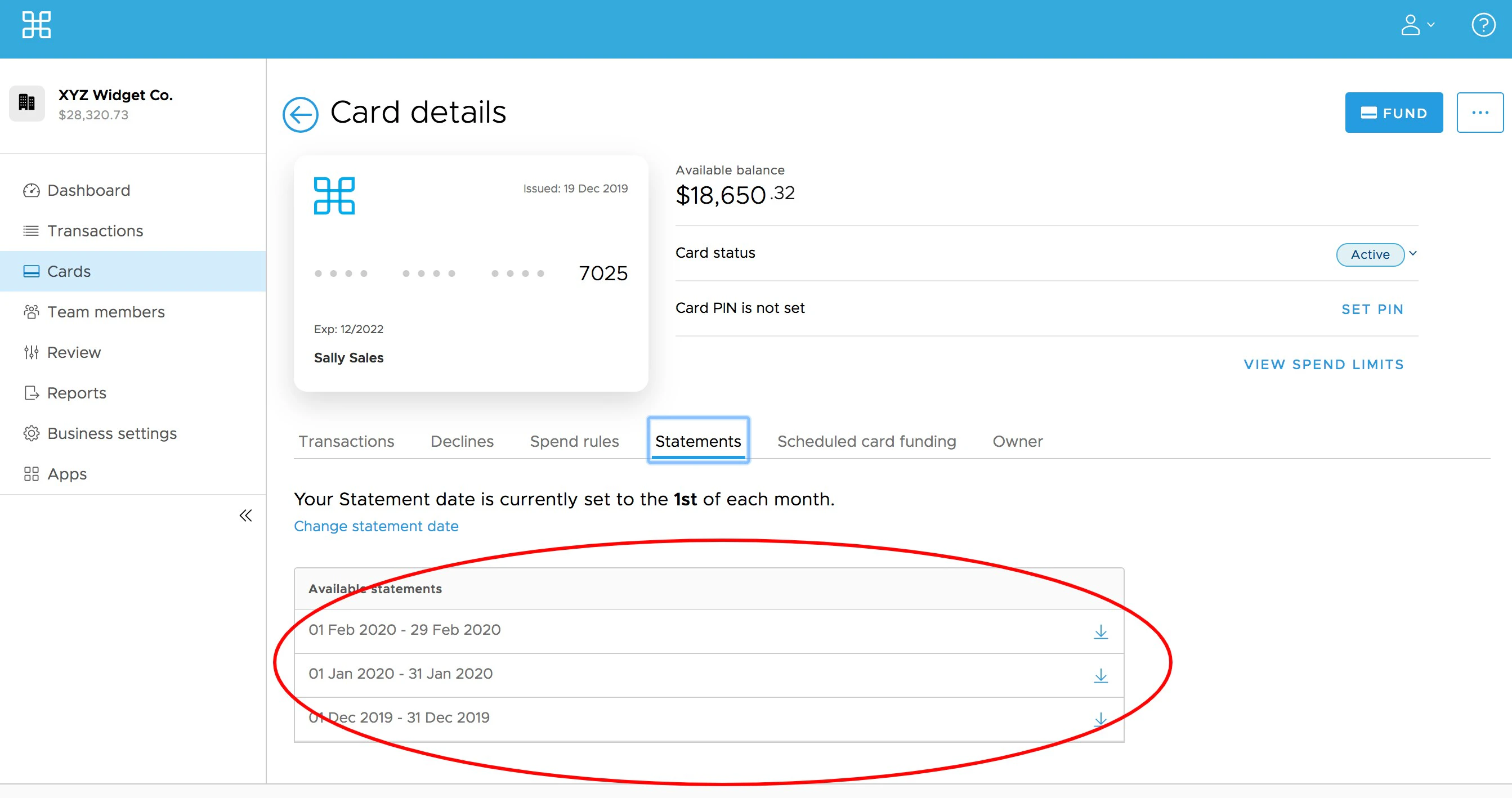
Administrators can access statements for individual cardholders under the cardholder details.
Steps:
Last modified on April 22, 2026