

Log in to dashboard.pexcard.com
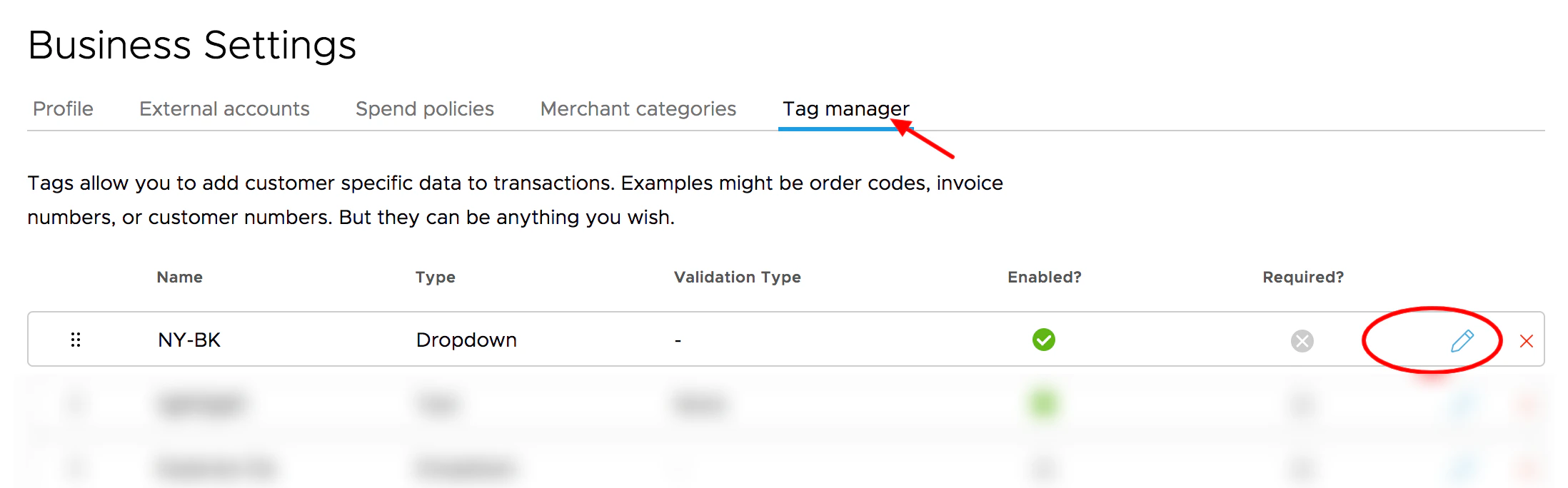
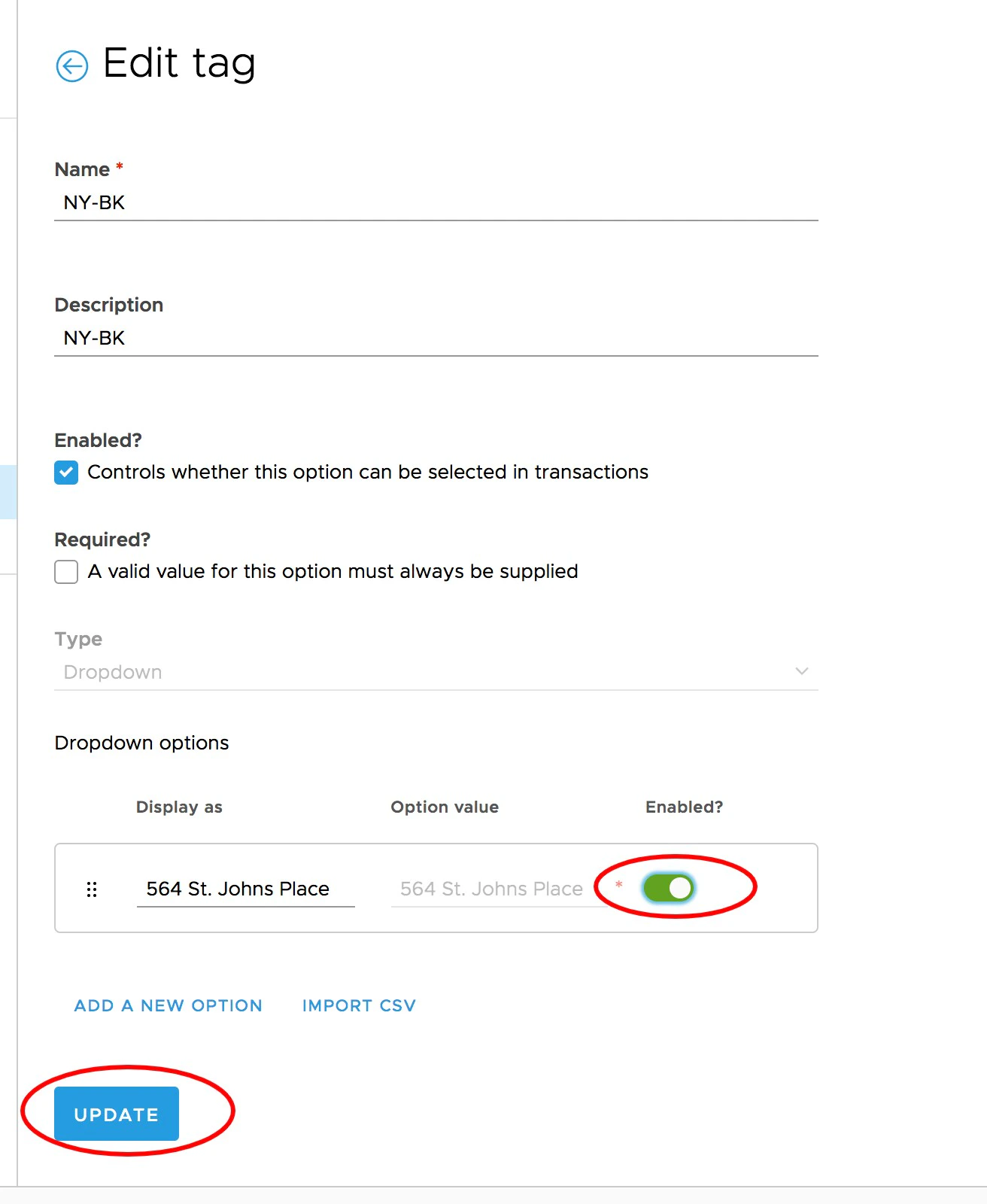
On the Edit Tag screen, click the toggle to enable or disable
- Green means the switch is enables
- Grey means the switch is disabled
Note:
- Enabling or disabling a tag does not change any information for historical transactions.