Important:You must have a registered PEX cardholder account to add your card to a digital wallet. To set up a PEX cardholder account, please visit https://dashboard.pexcard.com/registration
Adding a PEX card to Samsung Pay
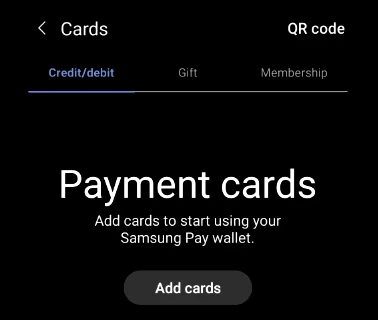
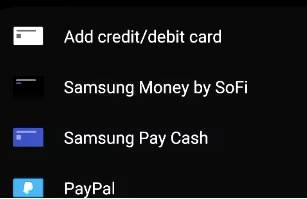
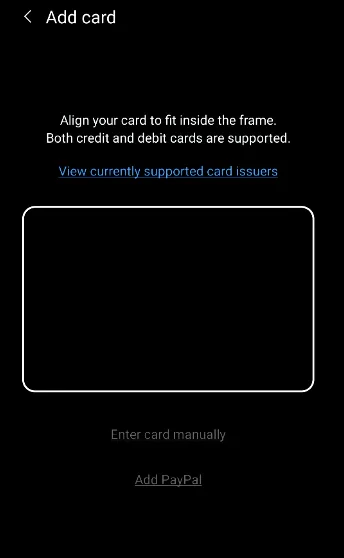
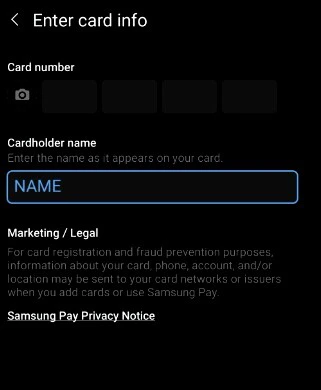

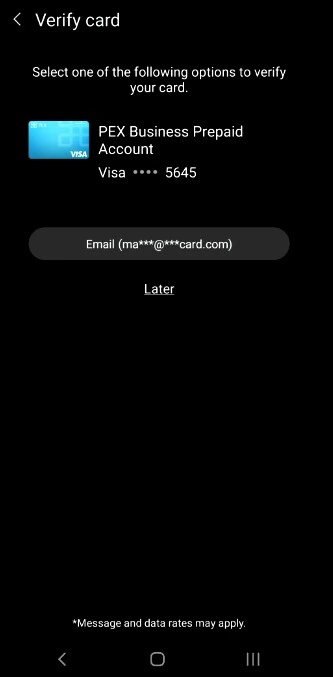
Choose one of the options presented:
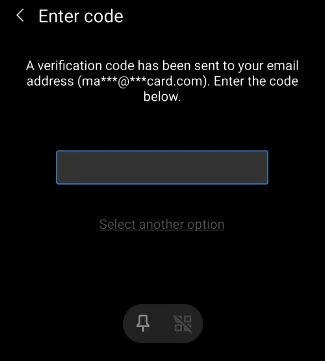
- Email - a numerical code will be sent to the email on file with PEX. This code must be entered into the digital wallet app when adding the card to the wallet.
- Call center - the cardholder can call PEX. You will be asked a series of questions to verify your identity.