Troubleshooting Viewing of PDF Receipts
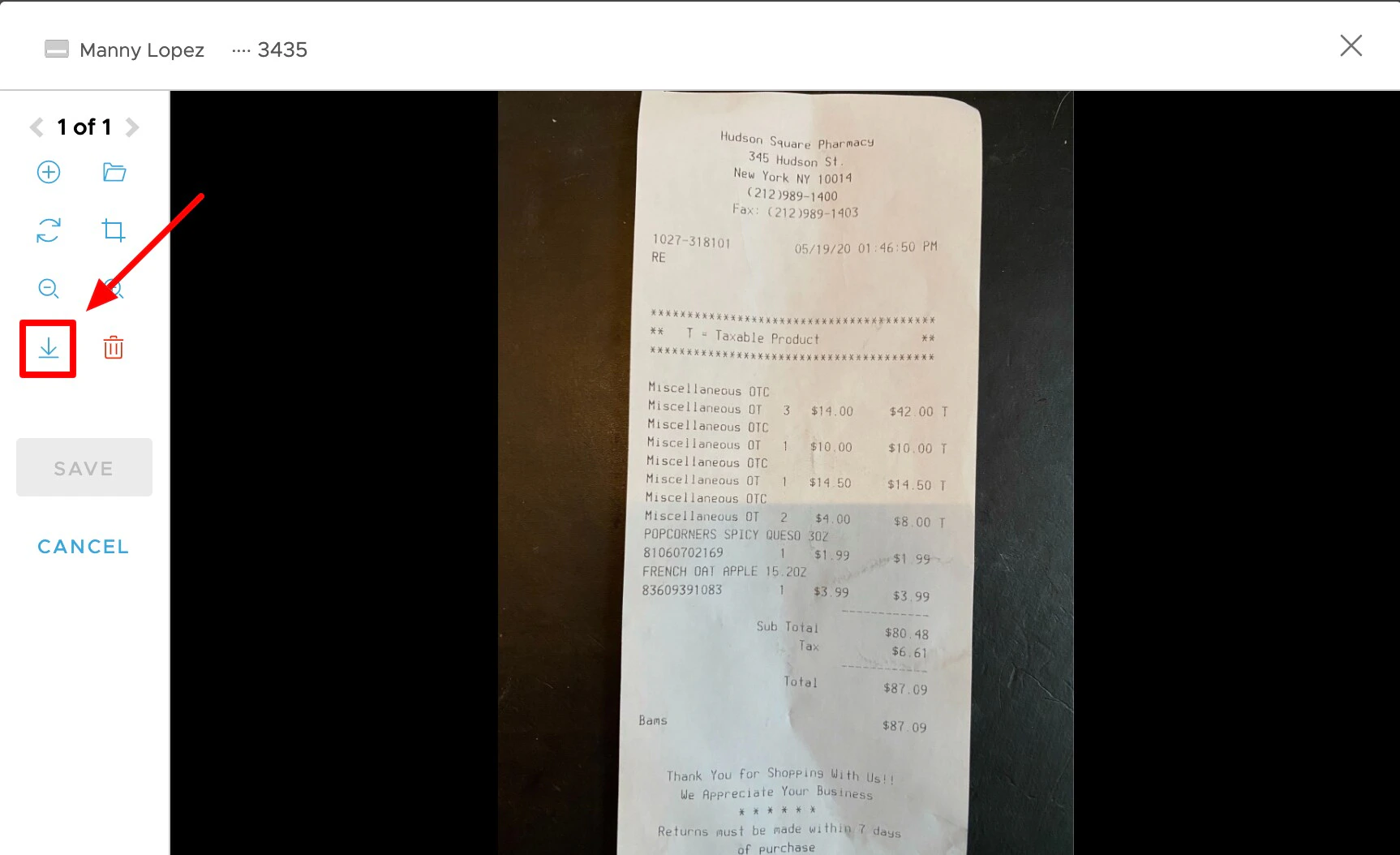
PEX allows cardholders to upload receipts in .JPG, .PNG. and .PDF formats. In most cases, you will be able to view the receipt in your web browser. Some browsers may block PDF receipts from being loaded by the browser. If you receive an error “plugin blocked” when trying to view a PDF receipt, first check to see if you have a PDF viewing plugin installed (note: you may need to ask your organization’s computer administrator for assistance). If you have problems with a specific browser, the following may help:- Google Chrome: Troubleshooting PDF files
- Safari: Enabling Plugins for Safari
- Firefox: Different ways to access PDF files