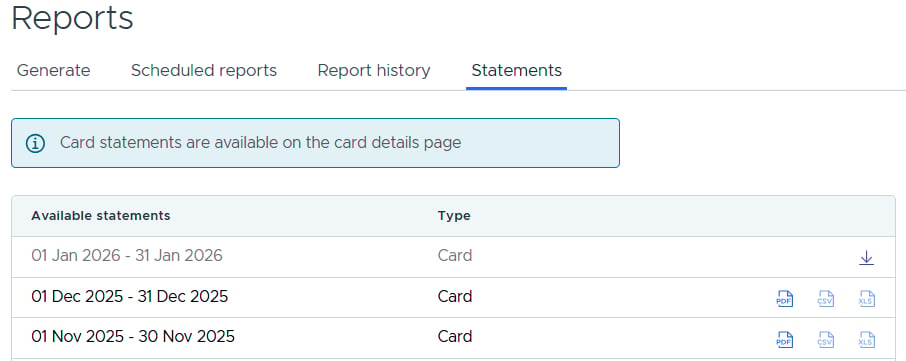
How to View Monthly Statements
Login to dashboard.pexcard.com
Administrators can view their PEX monthly statements through the Administrator Site. All statements are available as PDF files. You will need to have a PDF viewer such as Adobe Acrobat or Preview to view the file.