

Note:If your bank rejects an ACH request, they may charge you a fee (e.g., for insufficient funds). In addition, if your bank rejects an ACH request, PEX will charge a Transfer Request Return Fee of $30. For further pricing details, the pricing page can be reviewed here.
How to Create a Transfer of Funds from Your Bank to Your PEX Account
Log in to dashboard.pexcard.com
Click “Make a transfer” blue button on the upper right
Note:The Make a transfer button will not be available if you do not have these Admin permissions. Check permissions in My Profile, or contact the administrator who created your profile.
Select Same-Day ACH or Standard ACH transfer
Note:To create a scheduled transfer of funds, select the Standard ACH option to view additional scheduling options. Same-Day ACH transfers cannot be scheduled.
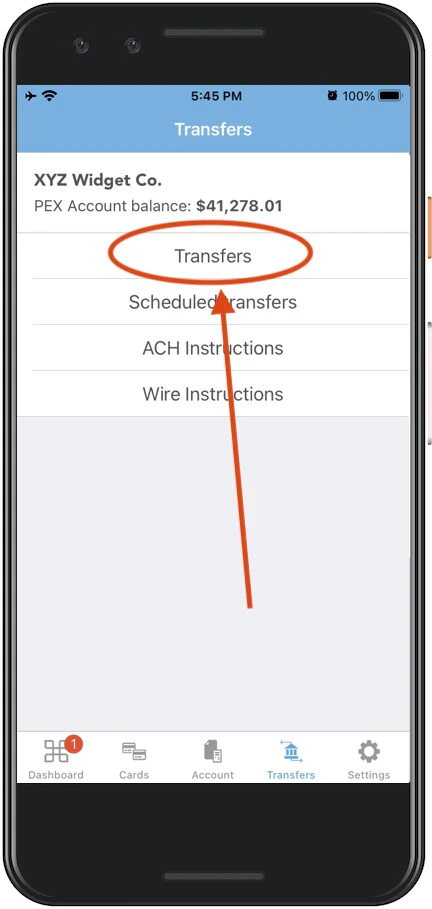
s/Administrator-Guide/How-to-Transfer-Funds-to-Your-External-Bank-Account-from-Your-PEX-Account-Administrator-Site If you need to add funds to your PEX account faster, you may find the following articles useful:
- “How to Fund by Wire Transfer ” (fastest way)
- “How to Fund by Bank ACH”