

Important:You must have a registered PEX cardholder account to add your card to a digital wallet. To set up a PEX cardholder account, please visit https://dashboard.pexcard.com/registration
Adding a PEX card to Apple Pay
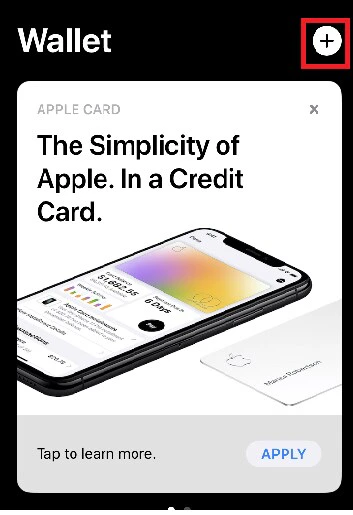
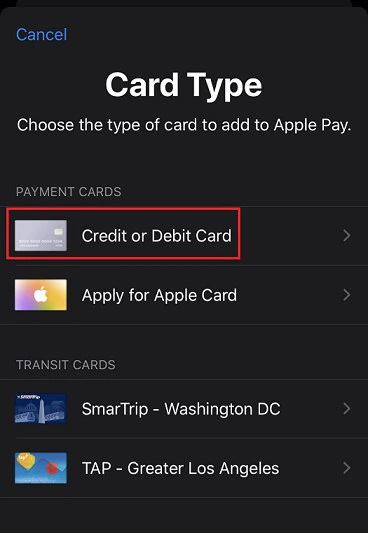
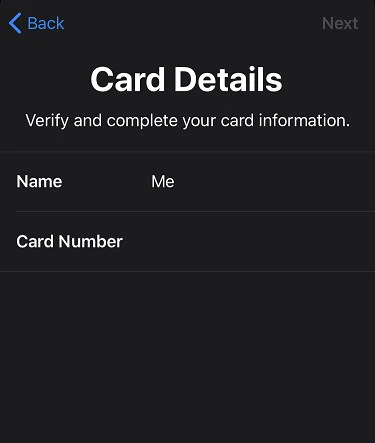
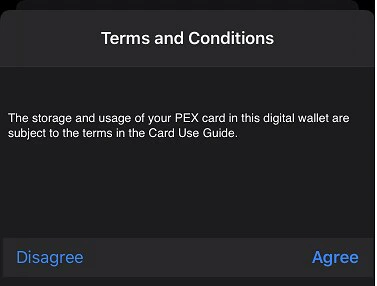
You may be presented with a Card Verification screen. Choose one of the options presented: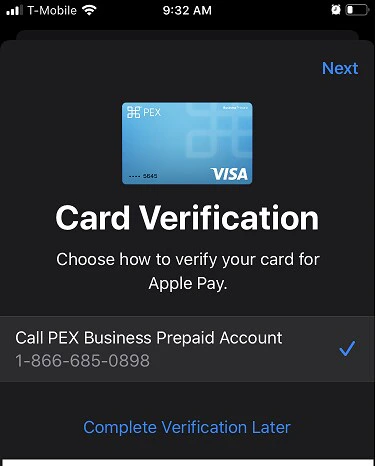
- Email - a numerical code will be sent to the email on file with PEX. This code must be entered into the digital wallet app when adding the card to the wallet.
- Call center - the cardholder can call PEX. You will be asked a series of questions to verify your identity.
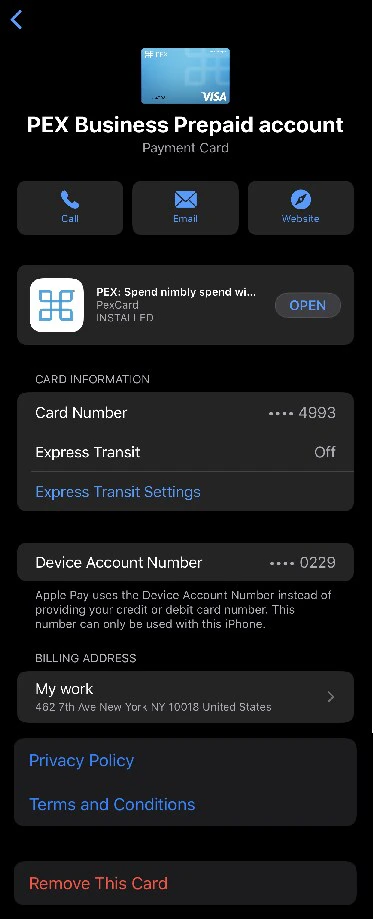
Note:You should verify the card billing address is set to the business address associated with your PEX card, NOT your personal residential address.
How to verify the card billing address
To verify your billing address, choose the card, and then tap the three dots in the top right.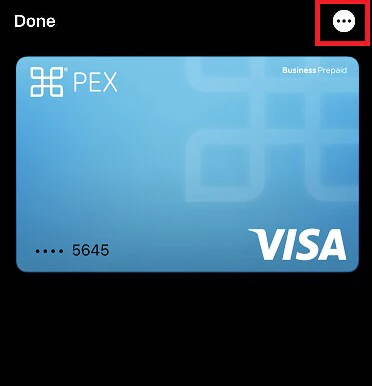
Additional information
It is recommended to not set the PEX card as the default card in the wallet.If your PEX card has been added to a different device, you may need to remove it from the old device before adding it to your new one.