

Enabling Low Balance Reminders for Your Card
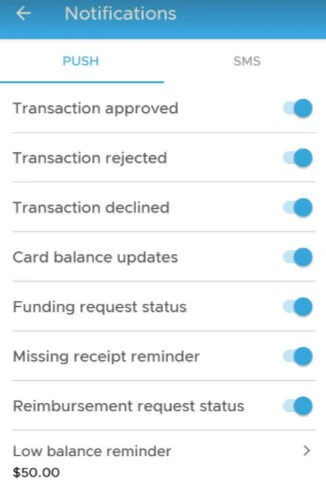
As a cardholder, you can opt into low balance notifications to receive a reminder whenever your card balance drops below a certain value. This can help you to ensure you don’t run out of funds at inopportune times.
Please note, you must have the PEX Mobile App for iOS or Android to receive low balance notifications. Your organization will also need to have the PEX Requests feature enabled.
Last modified on April 23, 2026